KLYRN

Leave cPanel this afternoon.

One command installs KLYRN on a fresh Ubuntu server. It brings your sites over from cPanel or DirectAdmin and lets you check each one before you touch DNS.

curl -fsSL https://get.klyrn.com | sudo bash
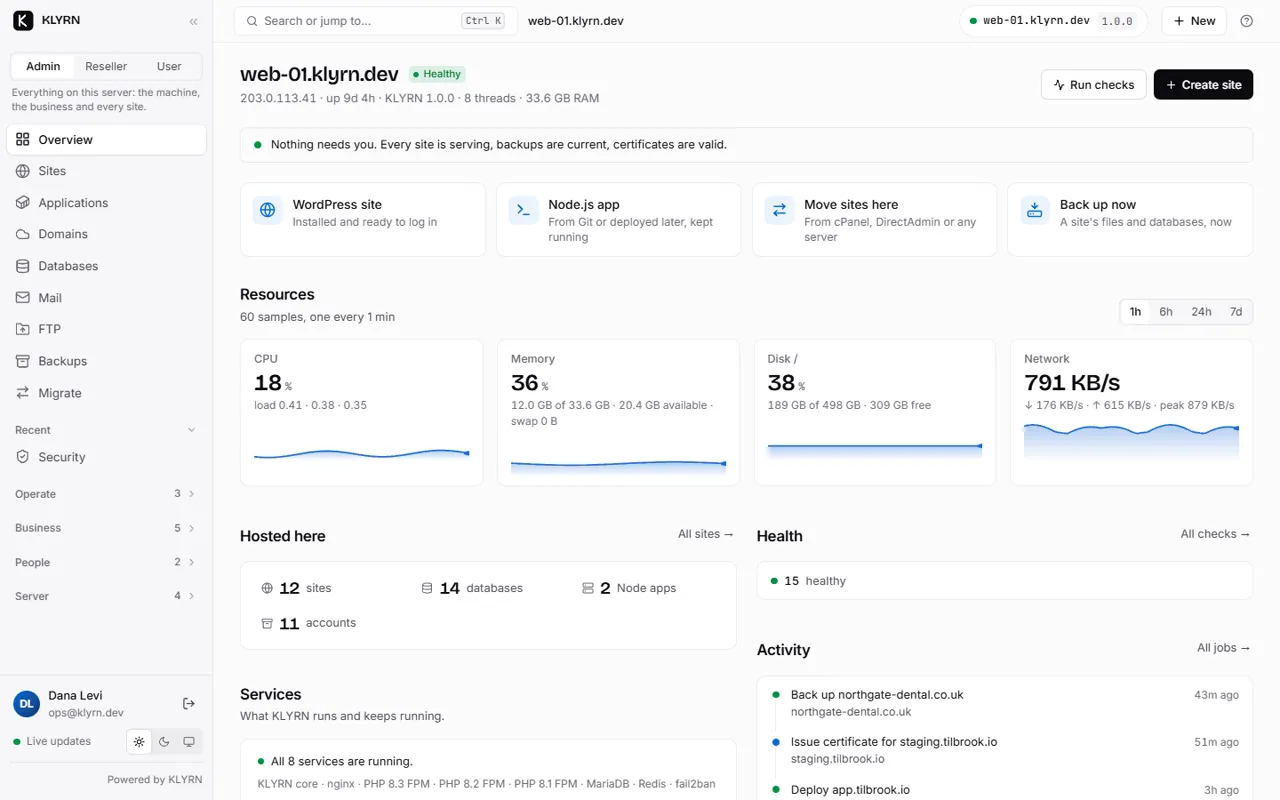
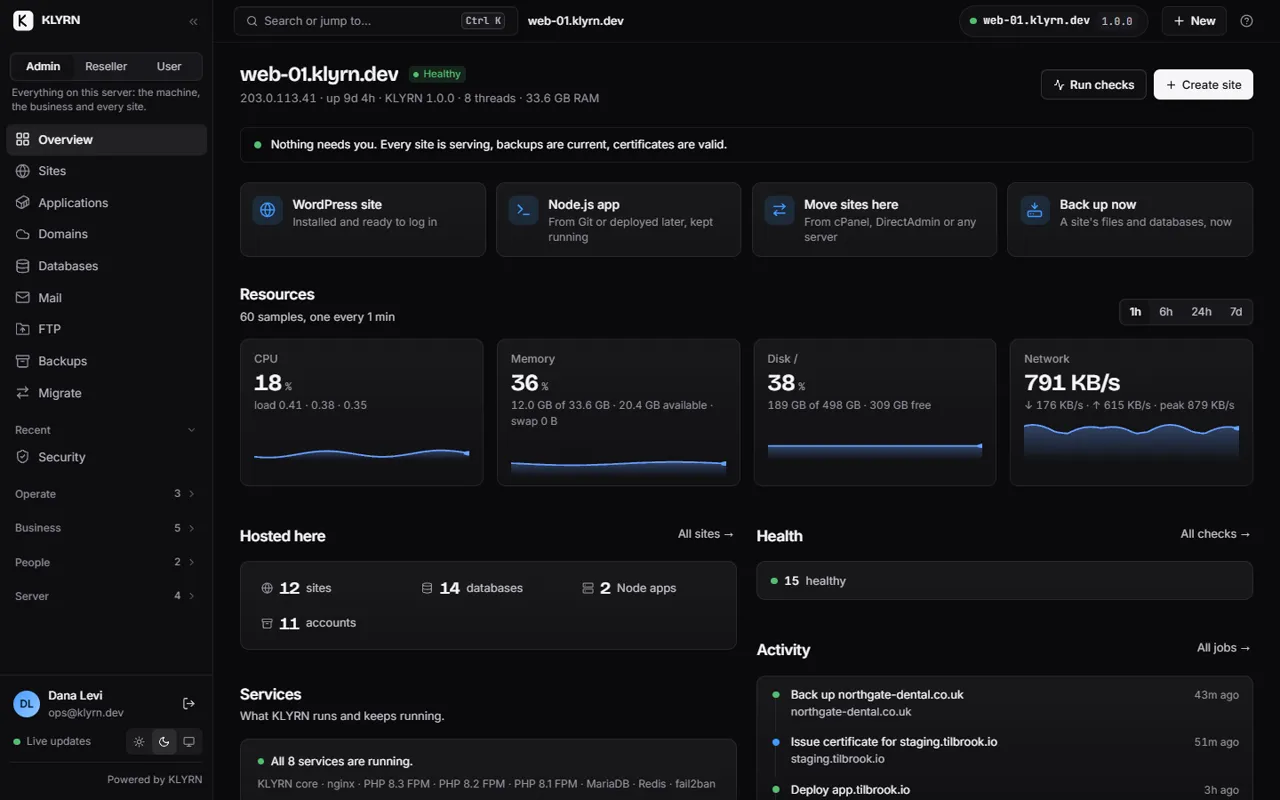
The KLYRN panel's overview of one server: what needs attention first, then resources, sites and recent activity.
The real panel, with demo data.
53s
From a fresh server to a working panel
11
Install stages, each one checked
22
Health checks from one command
0
Root processes facing the internet

From an empty server to paying customers.

Install it in a minute.

The installer sets up nginx, PHP, MariaDB and the firewall, then checks its own work. If a stage fails, run the command again and it picks up where it stopped.

How the install works

root@ubuntu-24.04: klyrn install 11 of 11 stages verified in 53 s
$ curl -fsSL https://get.klyrn.com | sudo bash

  ✔ Checking this server
  ✔ Profiling hardware and deriving tuning
  ✔ Preparing the operating system
  ✔ Creating KLYRN user, directories and keys
  ✔ Installing and configuring nginx
  ✔ Installing PHP 8.3 (FPM)
  ✔ Installing and securing MariaDB
  ✔ Configuring the firewall (ufw)
  ✔ Applying kernel network and filesystem limits
  ✔ Starting KLYRN services
  ✔ Verifying the complete installation

  KLYRN is installed and verified.

  Panel:        https://51.75.165.38:7443
  Setup token:  (printed once, on the console)
Bring your sites with you.

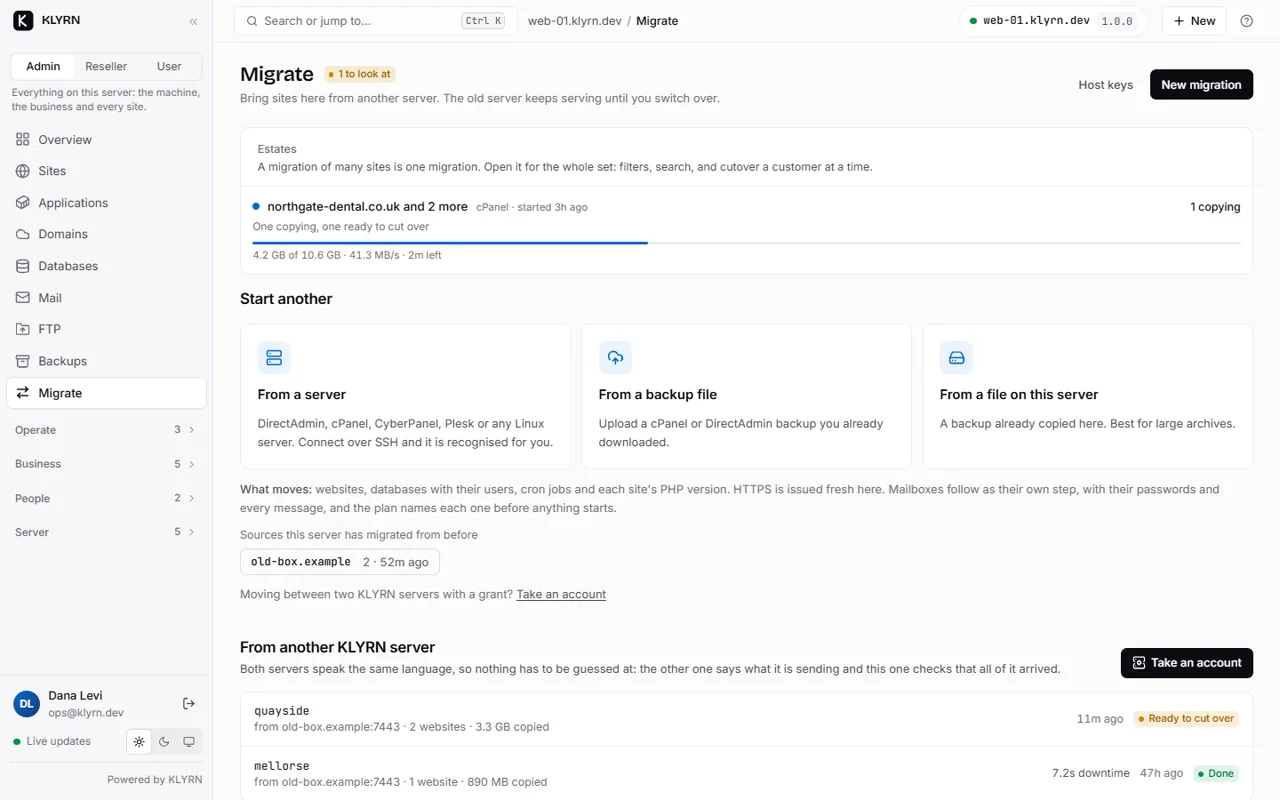
KLYRN reads a cPanel or DirectAdmin backup, or connects to the old server over SSH. The old server keeps serving until you change DNS.

  1. AnalyseA plan you read before anything is copied.
  2. CopyFiles, databases, mailboxes and cron jobs.
  3. VerifyA preview of every site on the new server.
  4. Cut overThe exact DNS records to change.

Proven on a production DirectAdmin server with 48 domains and 48 mailboxes.

How migration works

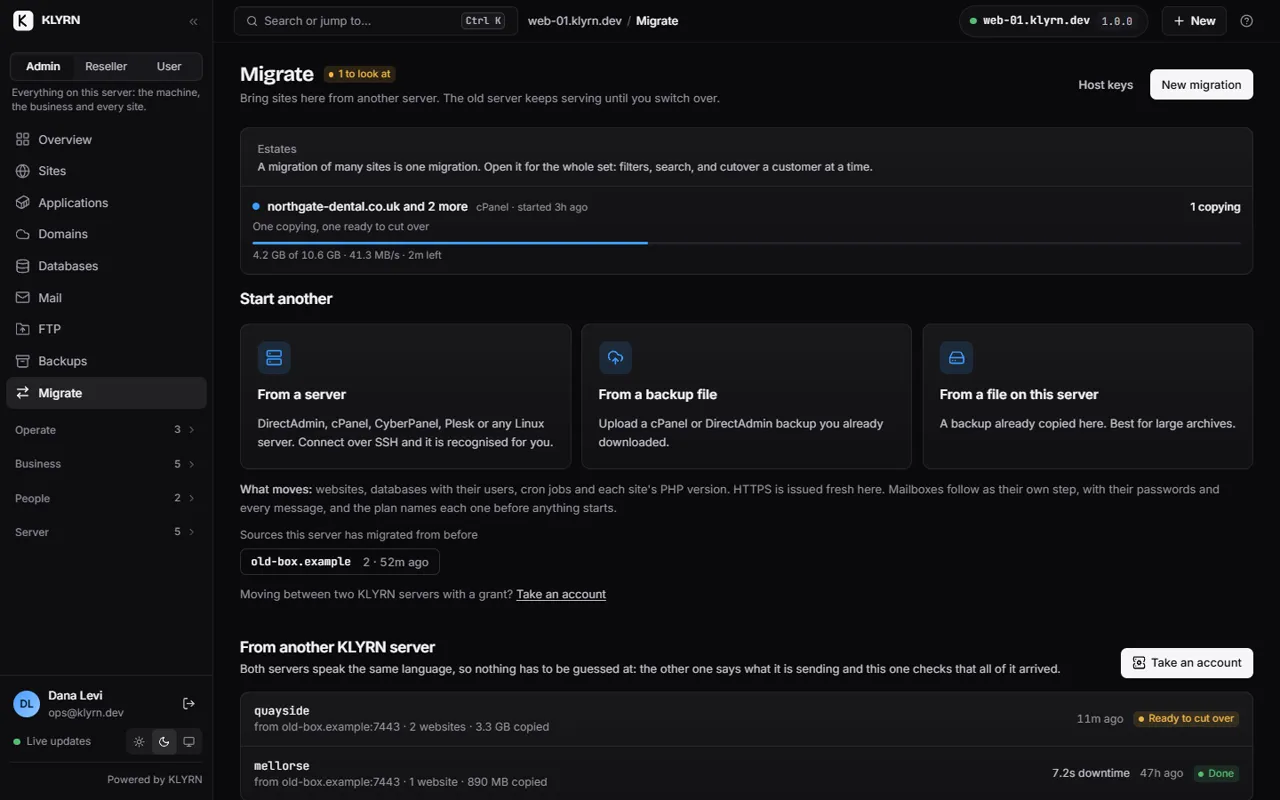
A migration in the panel: three sites coming across, one copying, with the routes to start another.

Run every kind of site.

PHP, WordPress, Node.js, containers and mail, with the same backups, certificates and limits for all of them.

PHP
Any version, chosen per site. PHP
WordPress
Staging, an update policy and a health check. WordPress
Node.js
Deploy from Git and roll back with one command. Node.js
Containers
Any image, locked down by default. Applications
Mail
Mailboxes, DKIM, spam filtering and webmail. Mail
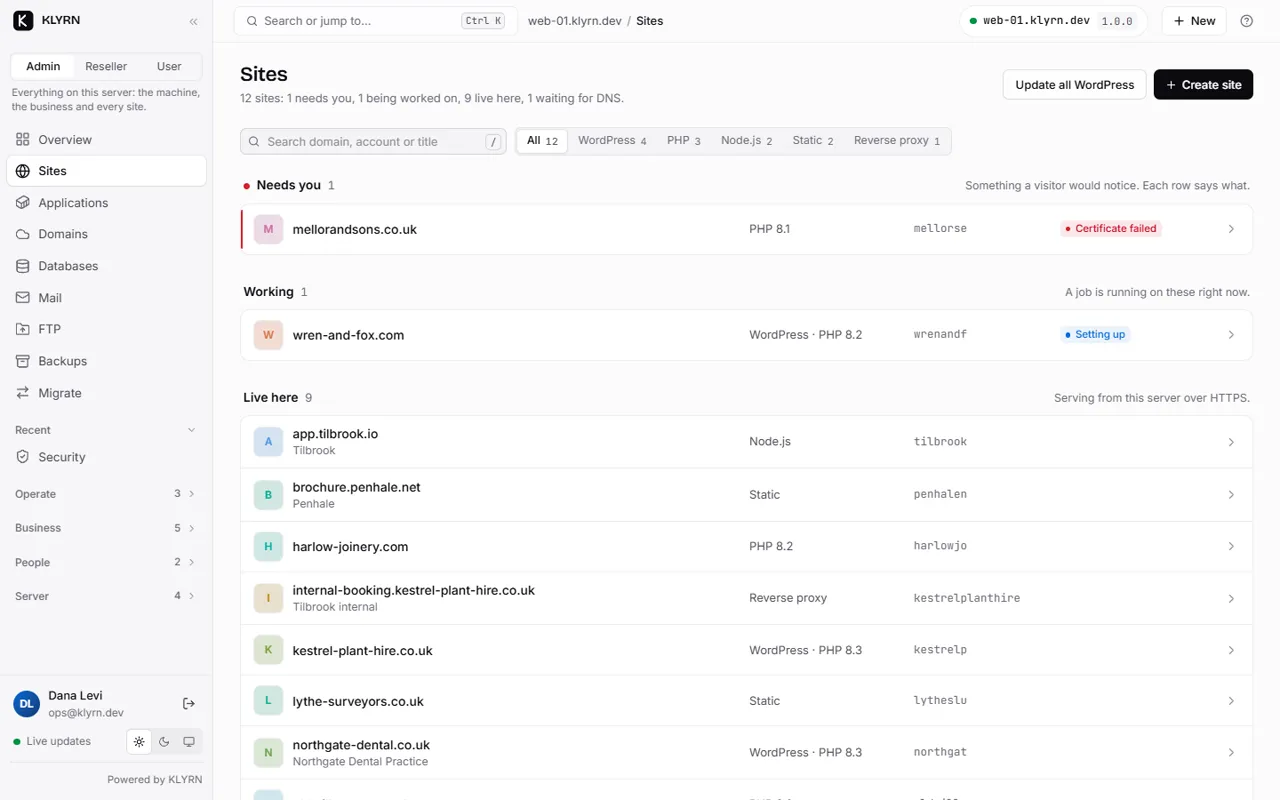
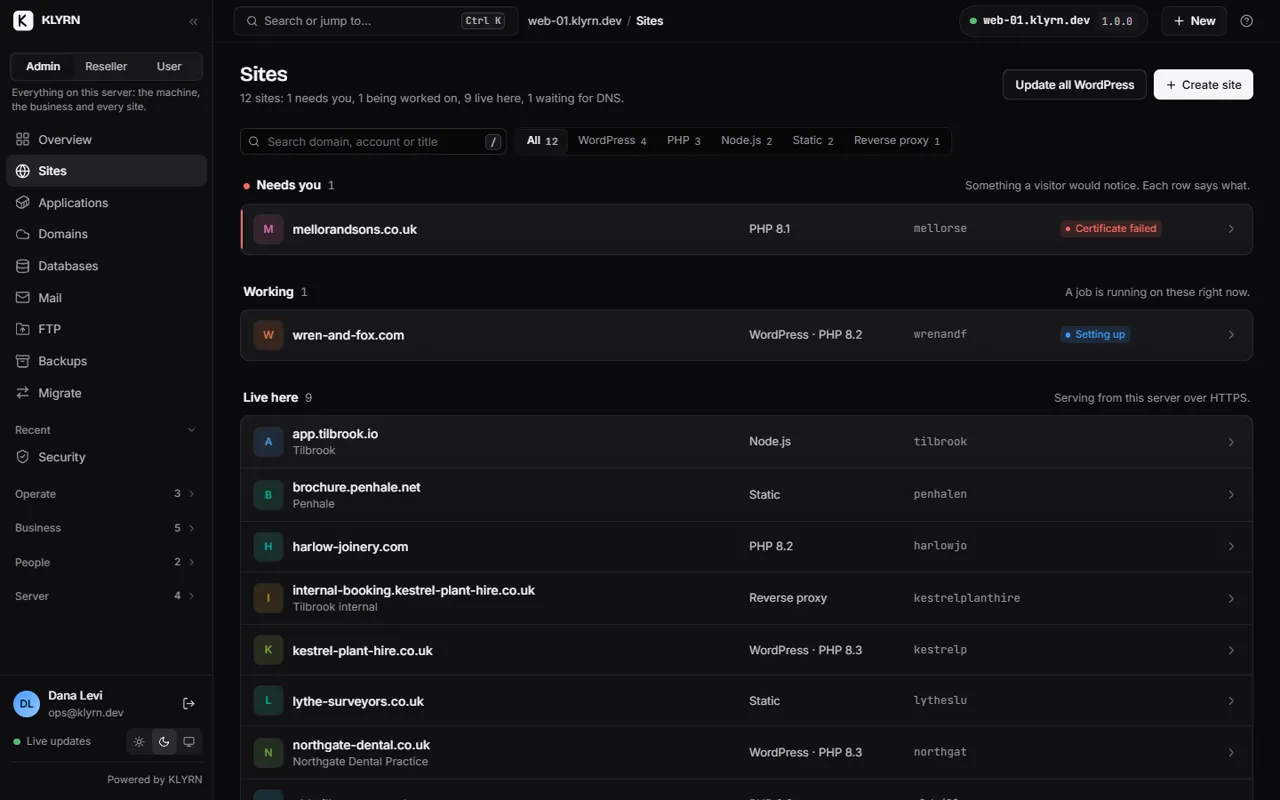
The sites list, grouped by stage, with one status line per site.

Leave it running.

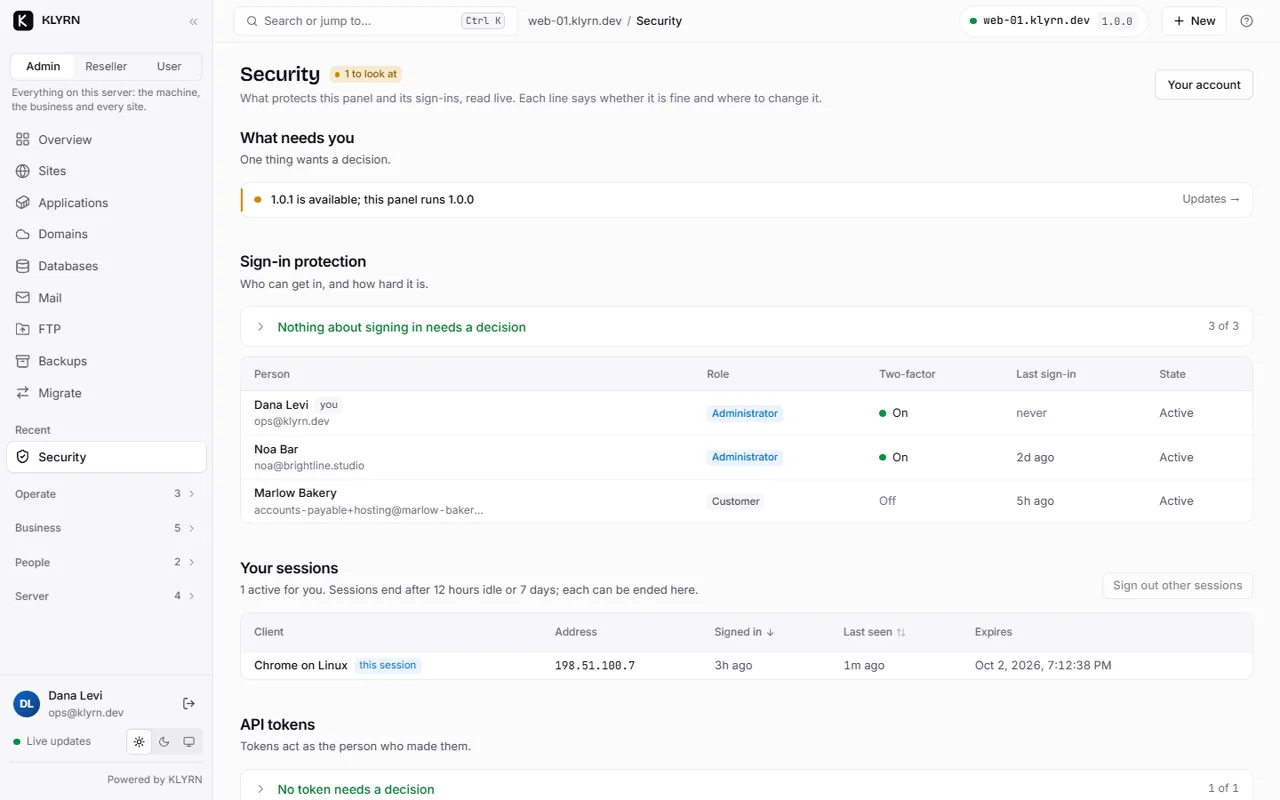
The part of KLYRN that faces the internet has no root access. Every backup is read back before it counts. An update that fails its checks rolls itself back.

How KLYRN is secured

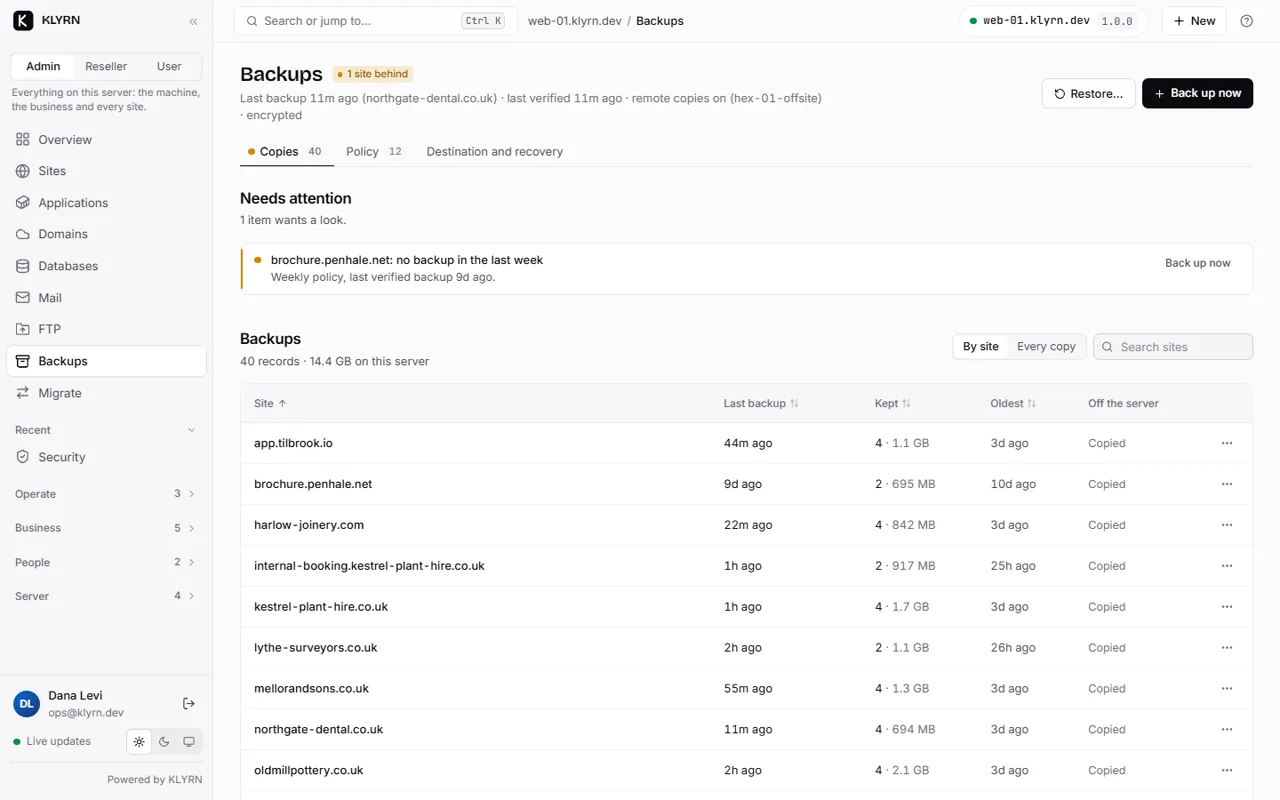
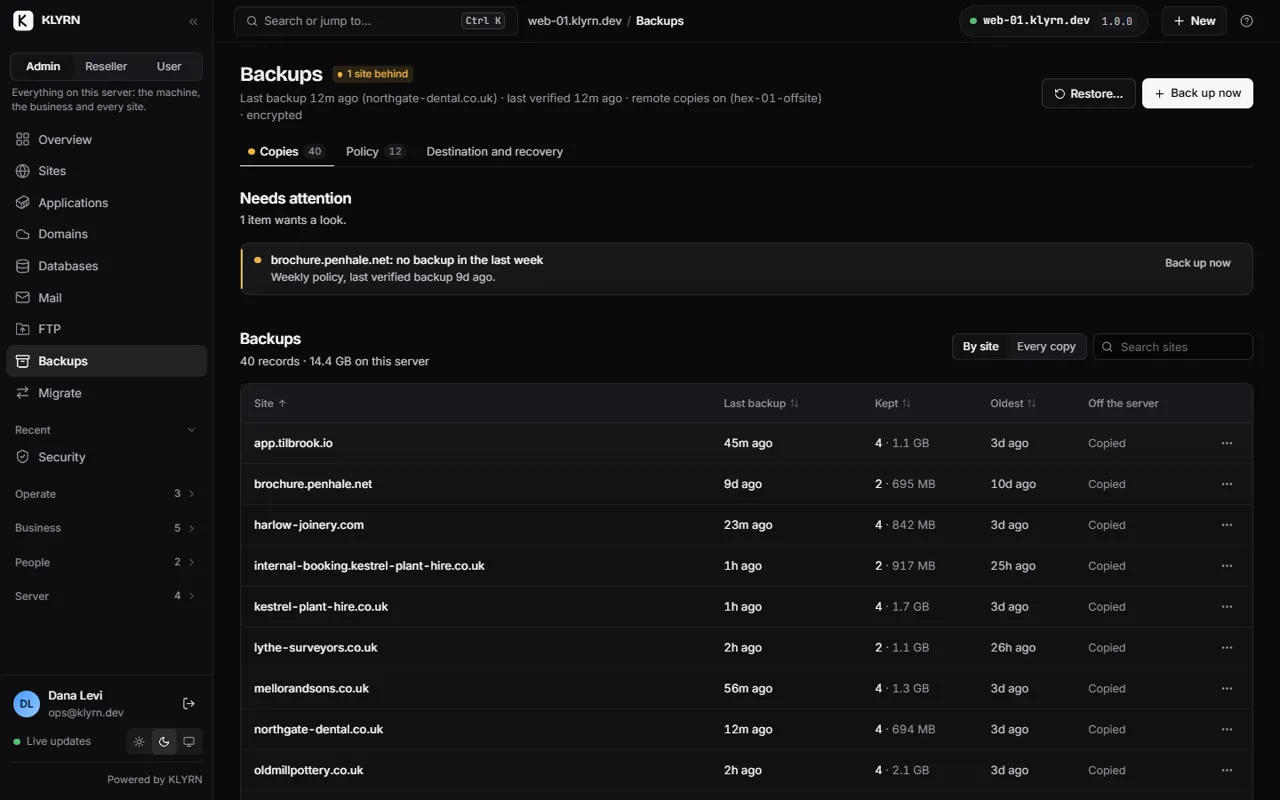
Backups by site: when each one last ran, how big it is, and where the copies are.

Sell hosting on it.

Separate views for you, your resellers and their customers. Limits per account, your own brand, and a storefront with checkout.

Reseller accounts come with the Business edition, which is not on sale yet.

KLYRN for hosting providers

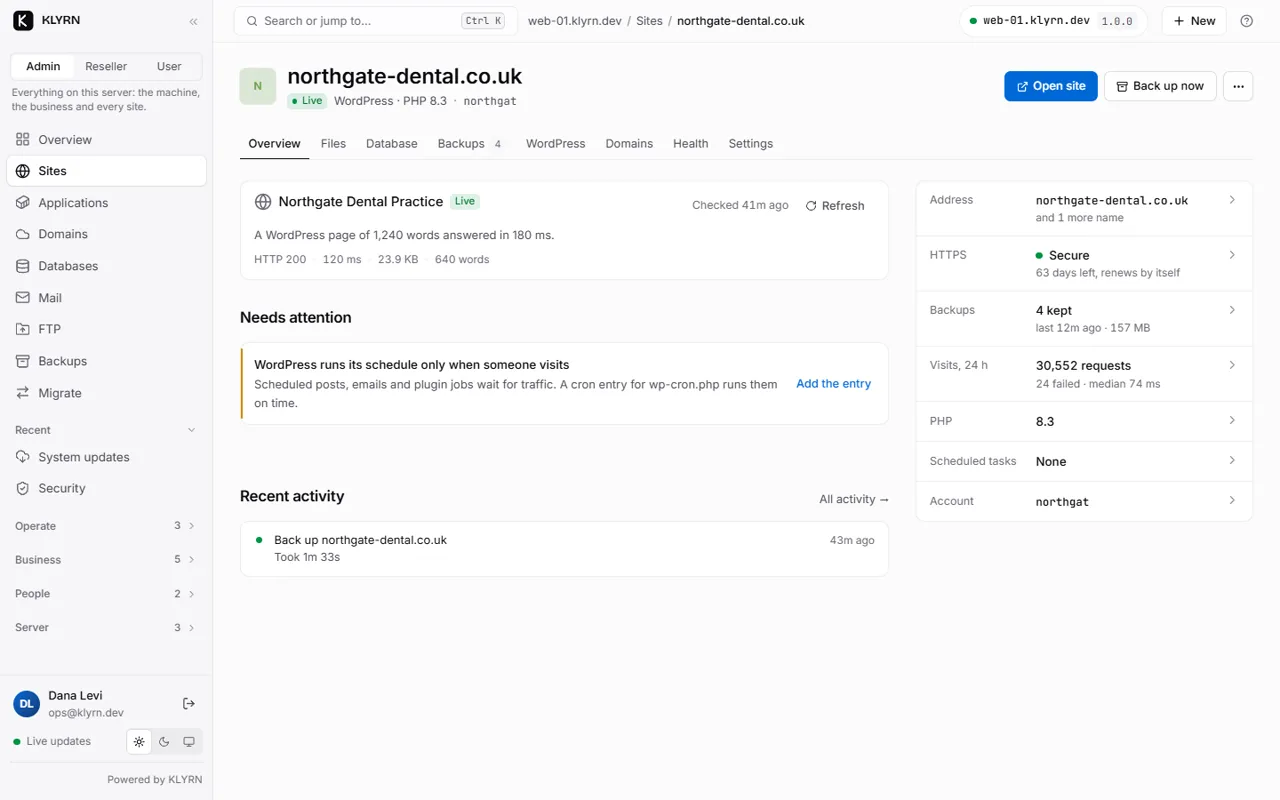
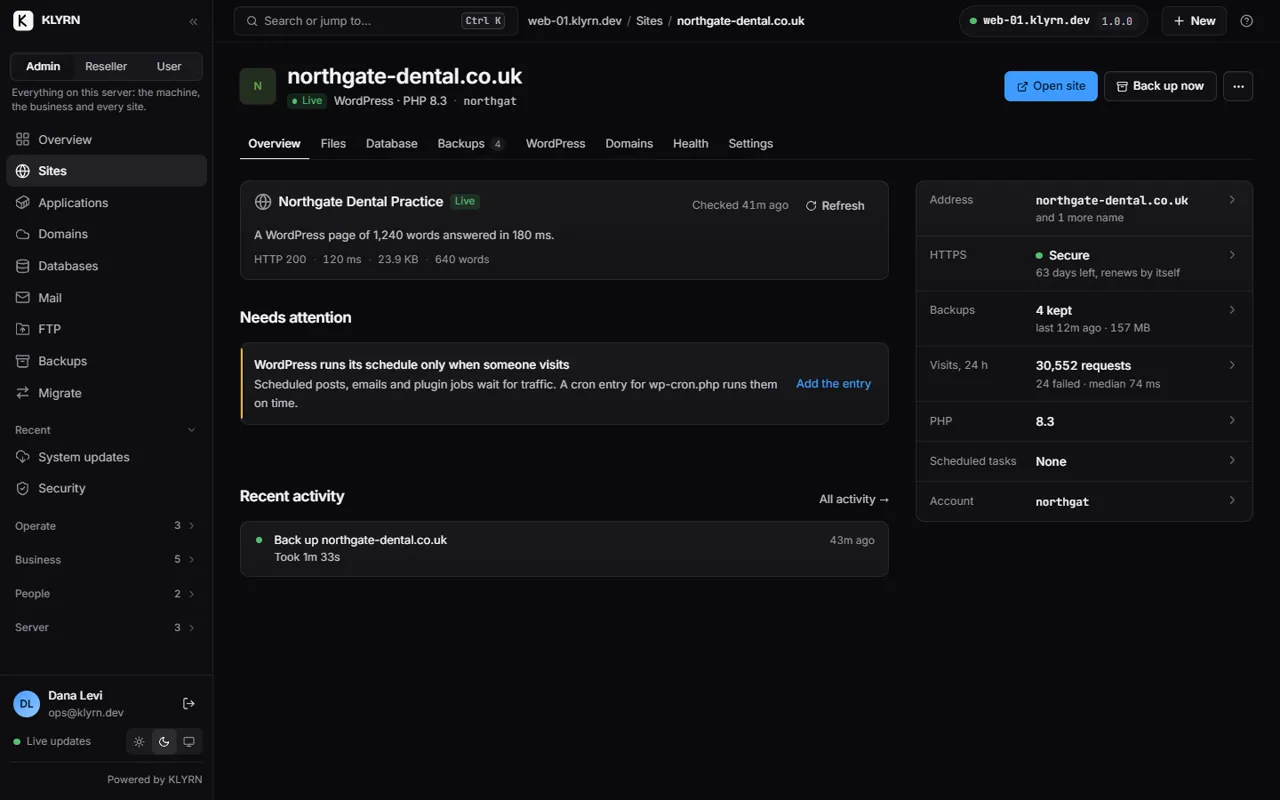
One customer site: domains, certificate, PHP, backups and logs on a single page.

See it before you install it.

Recorded from the panel, with demo data. Full tour on YouTube Screen by screen

New in 1.1.

  • The Security page: five status tiles for sign-in, firewall, SSH, web firewall and malware, with tabs underneath.

    Status first

    Security, Server, PHP and Mail at a glance.

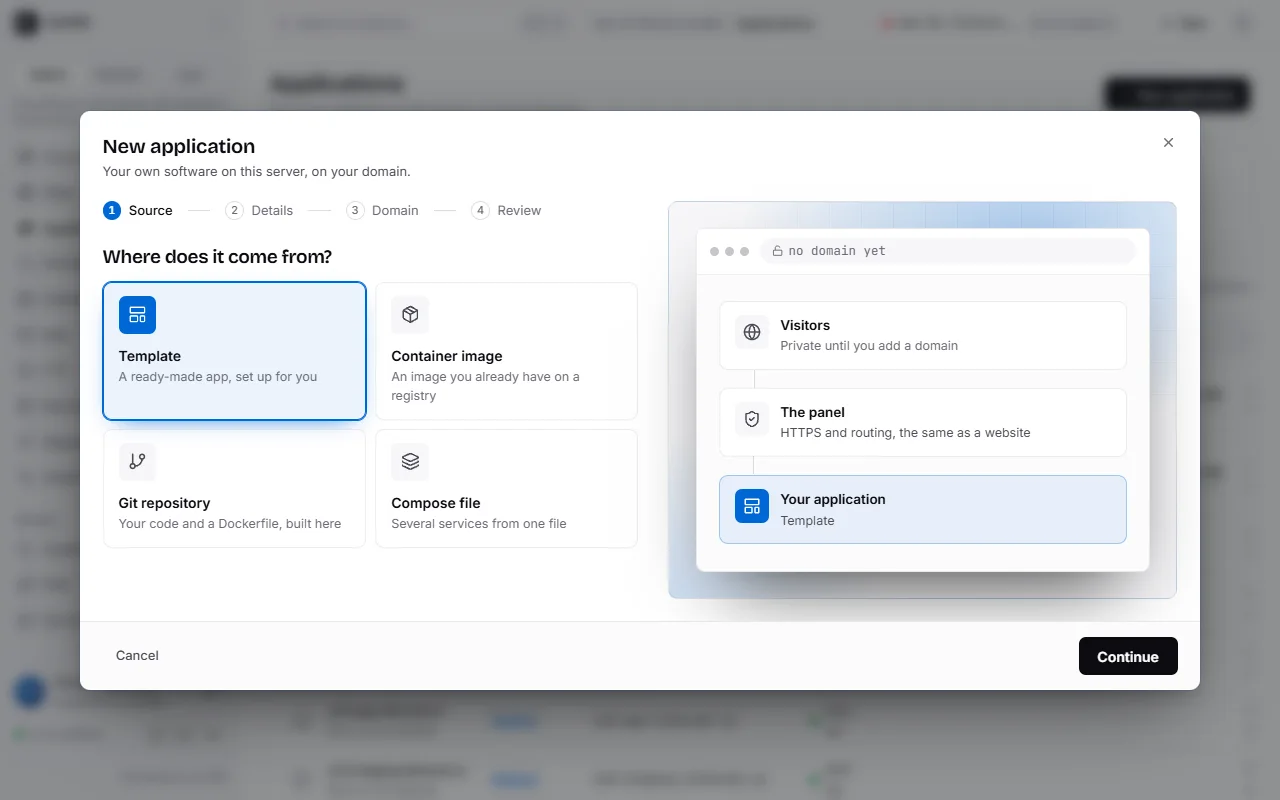
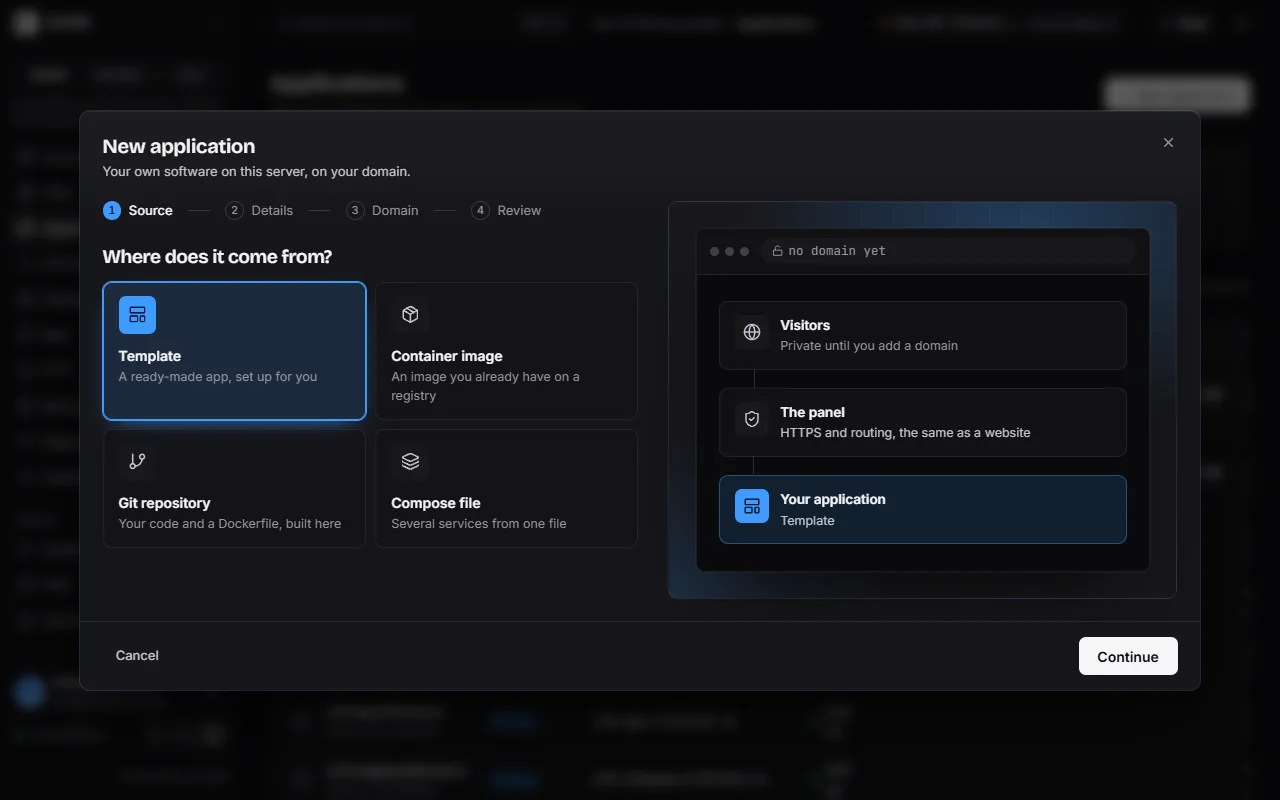
  • Creating an application: a choice between a template, a container image, a Git repository and a Compose file.

    Guided applications

    From a template, image, Git or Compose.

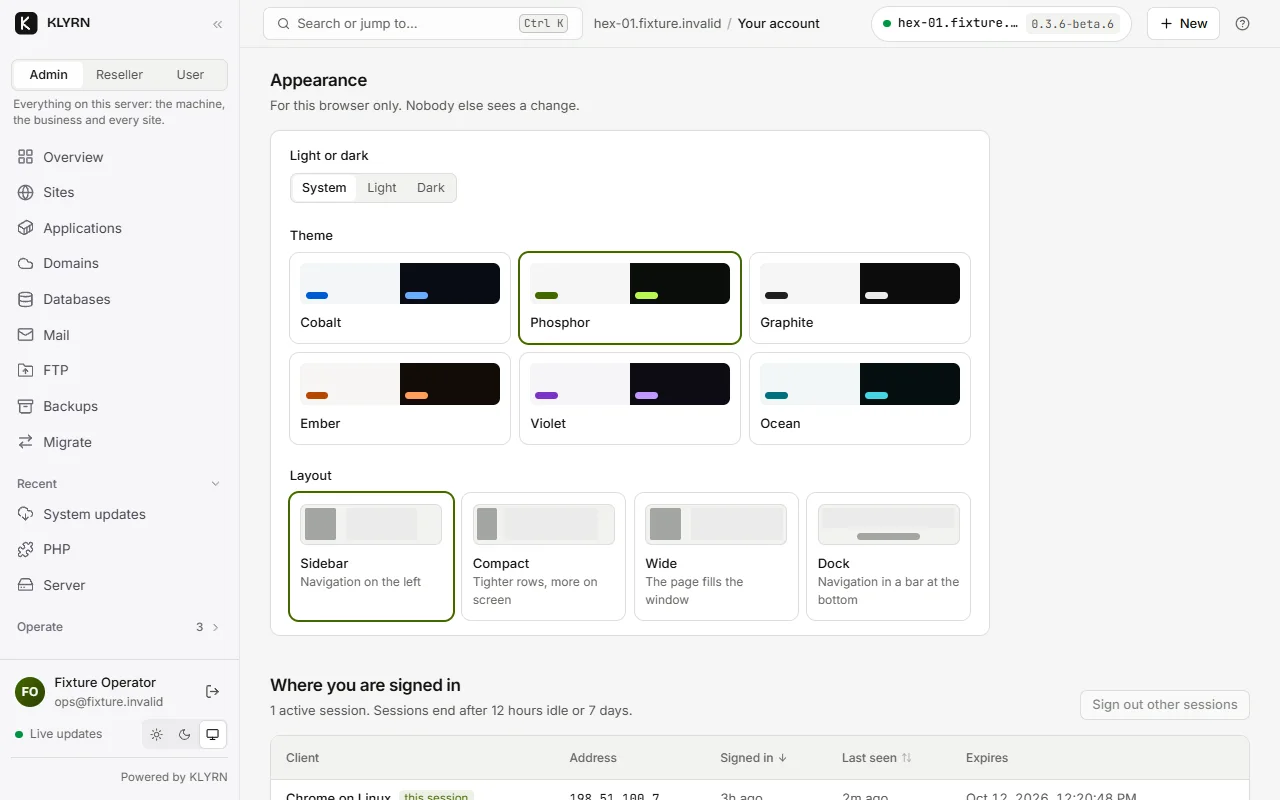
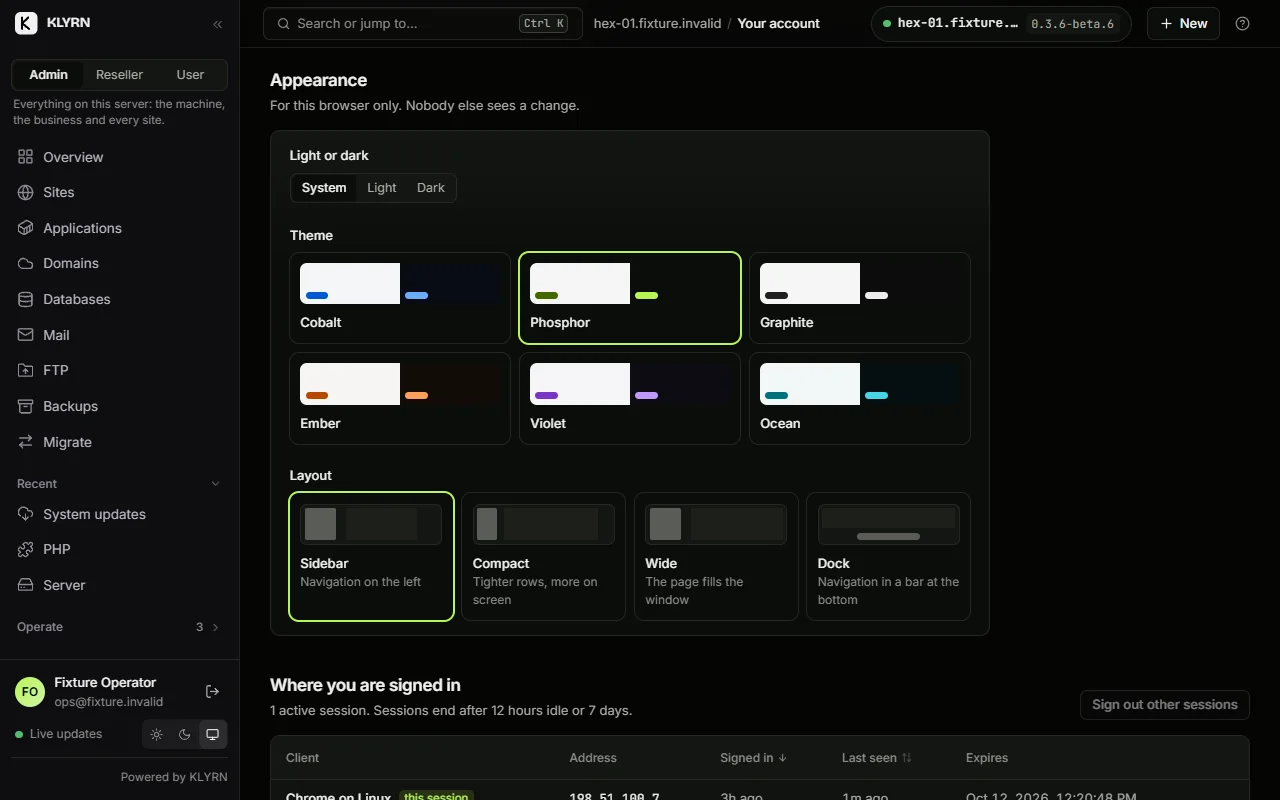
  • The Appearance settings: six colour themes and four layouts.

    Themes and layouts

    Six themes, four layouts.

Full changelog

Free today. Pro is $9 a month.

Paid editions never limit what you host.

  • Free $0 One server, five sites, the whole panel. Install Free
  • Pro $9 a month One server, unlimited sites, support. Get Pro
  • Business Coming Several servers, resellers, priority support. Tell me at launch
  • Enterprise Coming Many servers, custom terms. Tell me at launch
Discord WhatsApp