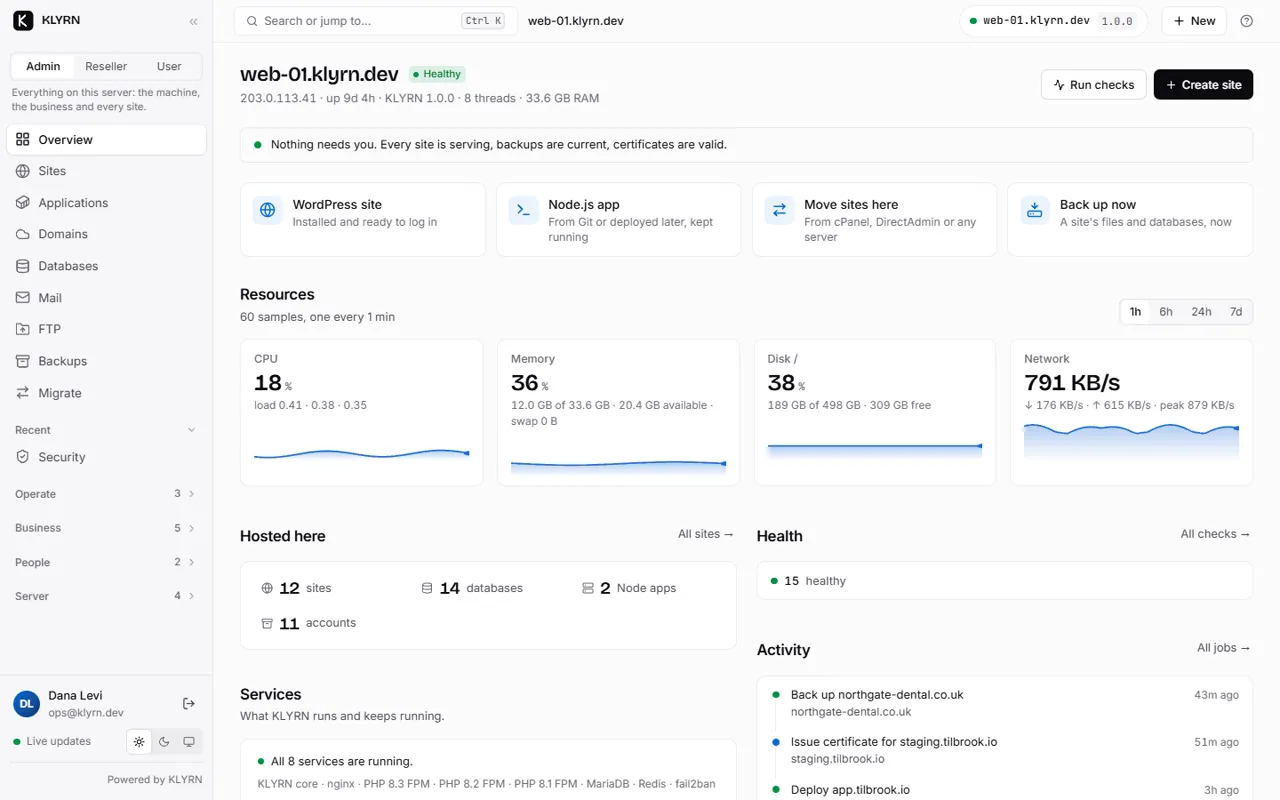
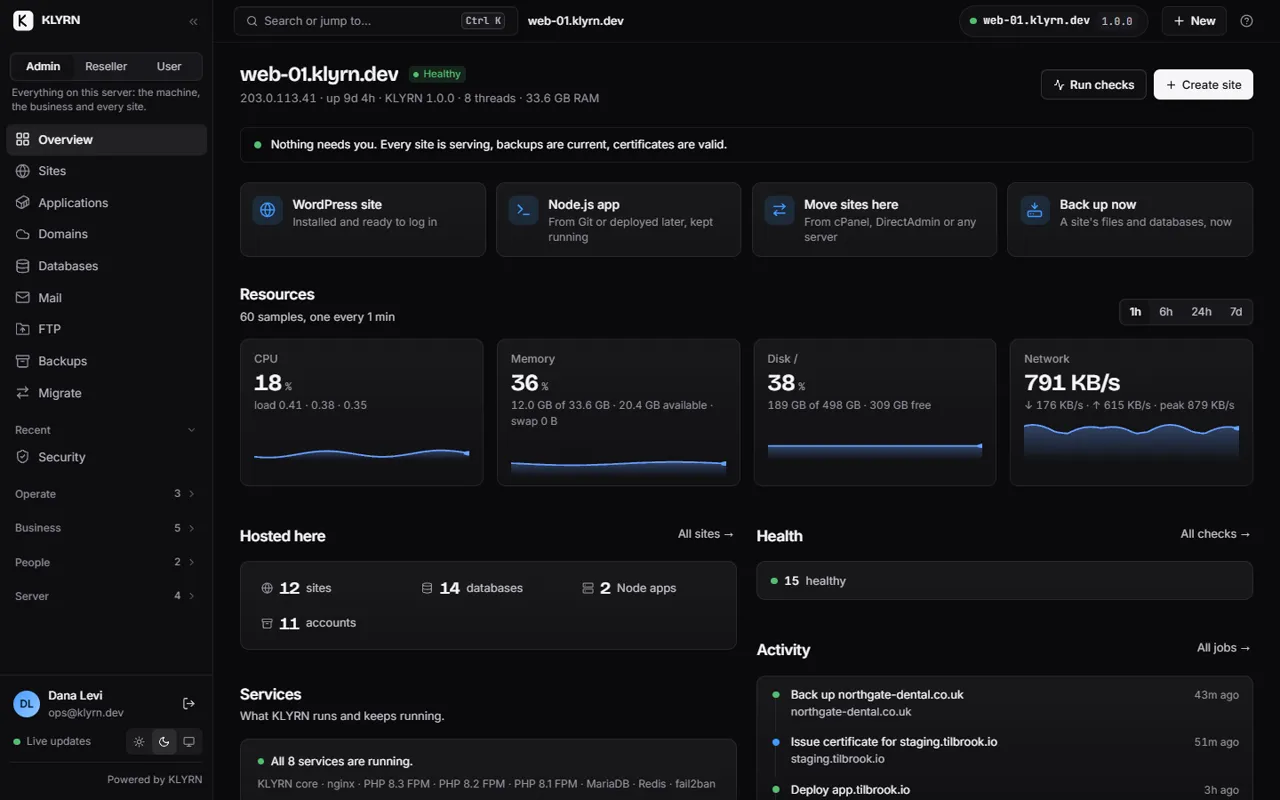
Self-hosted hosting panel

Your own server, your own data, and a panel that verifies its own work.

Self-hosting a control panel means owning the server, the backups and the key that encrypts them. It also means owning the failures. KLYRN is built for the second half: an installer that verifies each of its eleven stages, backups that are read back before they count, a health engine with bounded self-repair, and a doctor that works when the panel does not.

What one command installs

A working server, not a to-do list.

The eleven stages, in the installer's own words. Each checks whether it already ran, applies itself, verifies its own result, and can be rolled back. State is written after every transition, which is what makes an interrupted run resumable.

curl -fsSL https://get.klyrn.com | sudo bash
  1. preflightChecking this server: OS, architecture, memory, disk, ports, root, outbound network, and that no other panel or web server is present.
  2. profileProfiling hardware and deriving tuning: every nginx, PHP-FPM and MariaDB value with the rule that produced it.
  3. os-preparePreparing the operating system: base packages, and a swap file if RAM is under 4 GB and none exists.
  4. identityCreating KLYRN user, directories and keys, including the per-install secret key at mode 0600.
  5. nginxInstalling and configuring nginx from the profile, then nginx -t.
  6. phpInstalling PHP 8.3 (FPM) from a repository whose signing key fingerprint is pinned.
  7. mariadbInstalling and securing MariaDB 10.11, hardened through typed SQL.
  8. firewallConfiguring the firewall (ufw): deny inbound; allow the SSH port in use, 80, 443 and 7443. It never locks out the port you are connected on.
  9. kernelApplying kernel network and filesystem limits, with symlink and hardlink protections.
  10. servicesStarting KLYRN services: a root core on a Unix socket and an unprivileged panel on 7443.
  11. verifyVerifying the complete installation, then printing the panel address and a one-time setup token.

What you own

The parts of self-hosting that usually go wrong, and what KLYRN does about each.

The backups
Files, databases and cron per site, with a SHA-256 per artefact, verified by listing the archive back. Copies to your own S3-compatible bucket are encrypted on the server before they leave it, under a key the panel shows you once. The bucket also holds an encrypted manifest of what the server had, so a replacement machine can answer “what was on it?” before restoring a byte. Disaster recovery
The updates
Signed with ed25519 and the key built into the binary. A state snapshot before the switch; post-checks after; a swap back on their own if they fail. Seven broken releases served to a real server, all refused. Updates
The panel going down
Sites keep serving: nginx, PHP-FPM and MariaDB do not depend on the panel process. klyrn doctor runs twenty-two checks from disk, systemd and the network when the panel cannot answer, and the health engine restarts it within limits it will not cross. Troubleshooting
The panel being attacked
The process on the network runs as an unprivileged user and cannot become root, open the database, execute a program or make outbound HTTP. A compromised web tier can do no more than a signed-in administrator, and every action is audited. The security model
The tenants attacking each other
One Unix user per hosting account with a home nobody else can list; a PHP-FPM master per account inside its own cgroup; a grant per database; a sandboxed systemd unit per application. Verified: a second site's PHP cannot read the first site's files, or /etc/hostname.
The cost
Nothing today. An install with no licence key runs the Free edition: one server, five sites, everything except reseller accounts. The paid editions never limit what you host, and they are not on sale yet. Editions

What it does not do, so you can plan around it.

No mail hosting, no authoritative DNS, no phpMyAdmin, no arm64. Ubuntu 24.04 LTS on x86_64 only. It is a beta: tested on real servers, not finished, and best installed on a fresh or non-critical server. Every limitation, with its reason.

Beta

One email when the paid editions go on sale.

Everything on this page is in the free beta you can install today. This list is for the paid editions and the first stable release.

One email when pricing and the first release are announced. Nothing else.