Hosting providers
Sell hosting, not licence tiers.
Resellers with their own customers, their own logo and their own limits. Suspension that touches the vhost and nothing else. Account deletion that makes you type the name and keeps the off-site copies anyway. And a recovery path that answers the only question that matters when a machine is gone: what was on it?
Reseller accounts need a Business or Enterprise licence, and neither is on sale yet. No price has been confirmed and there are no payment instructions, so KLYRN refuses the order rather than take money it cannot invoice. Everything else on this page is in the free beta you can install today. One email on the day that changes.
The model
A person is not an account.
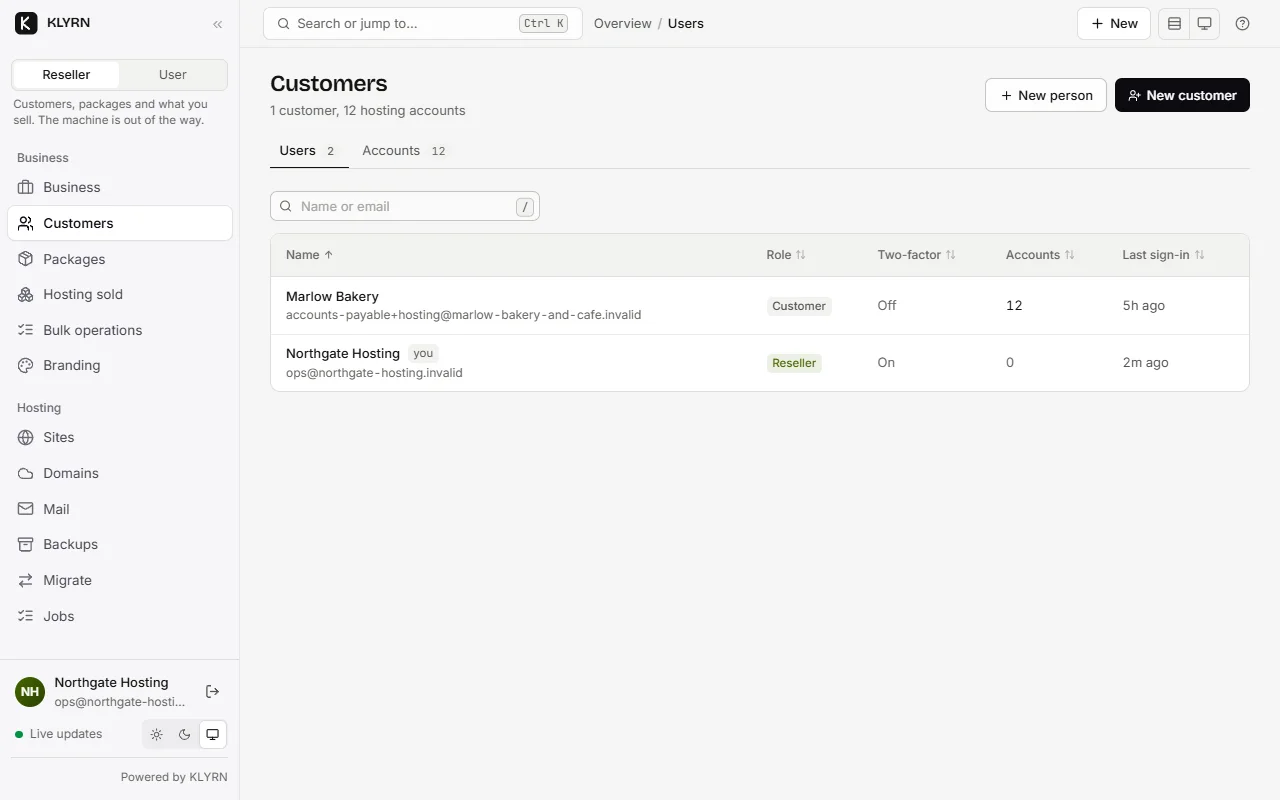
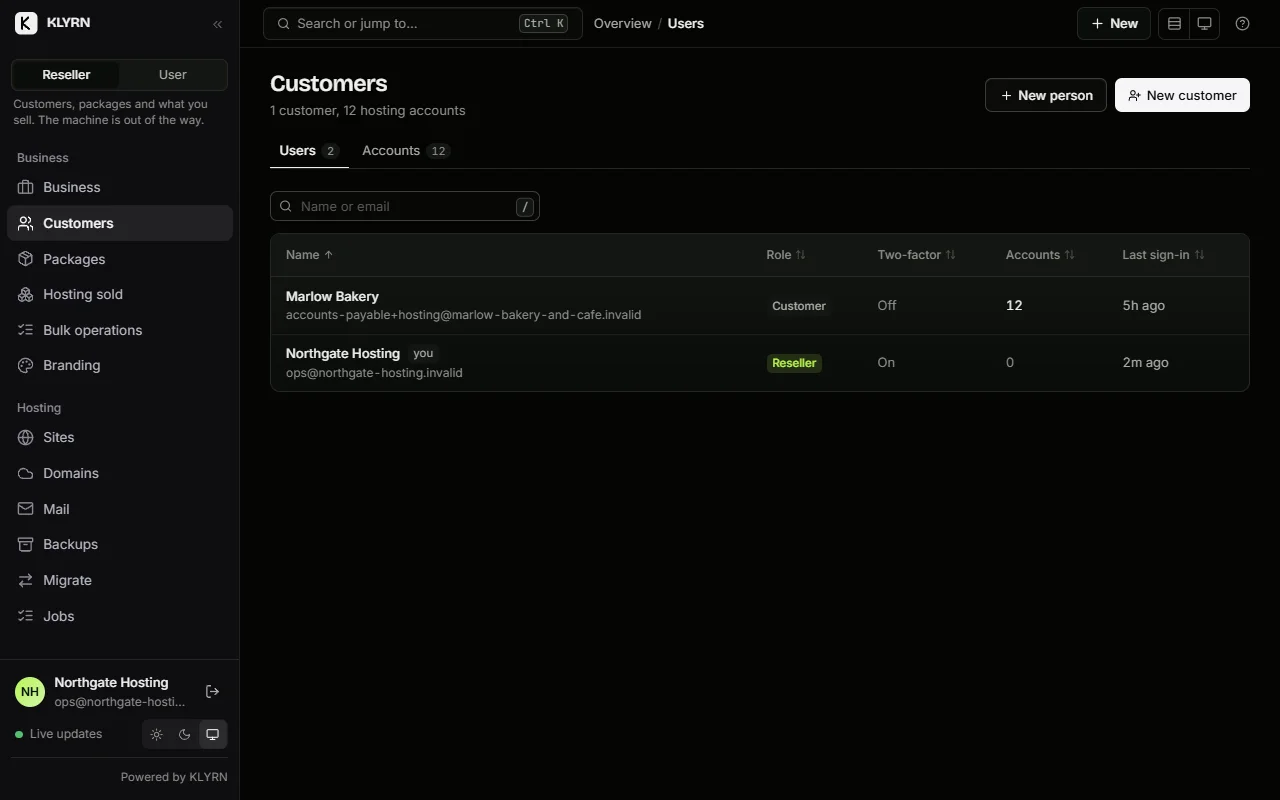
A user is somebody who signs in. An account is a Unix user that owns files. Keeping them separate is what makes ownership transferable without moving a single byte.
- Administrator
- The server. Health, updates, licensing, PHP extensions, webhooks, backup keys, recovery, the audit log, and every account on it.
- Reseller
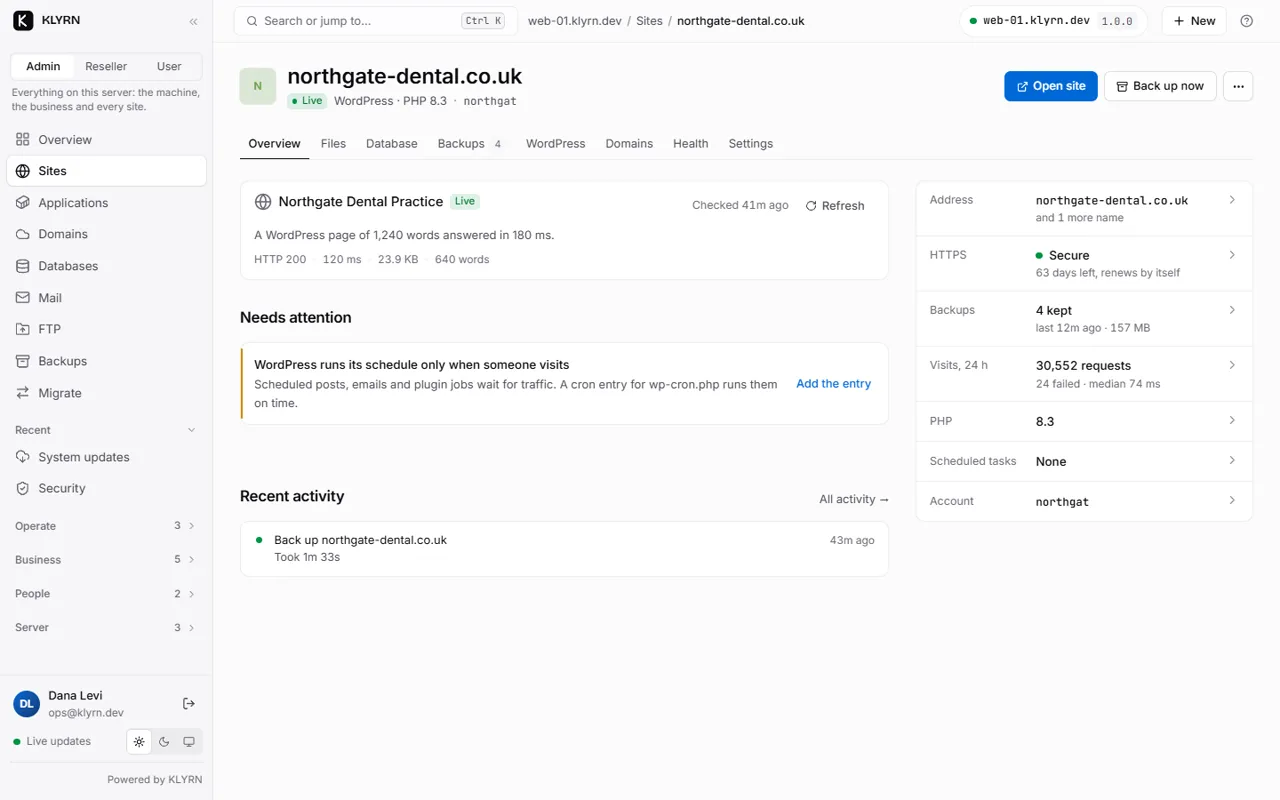
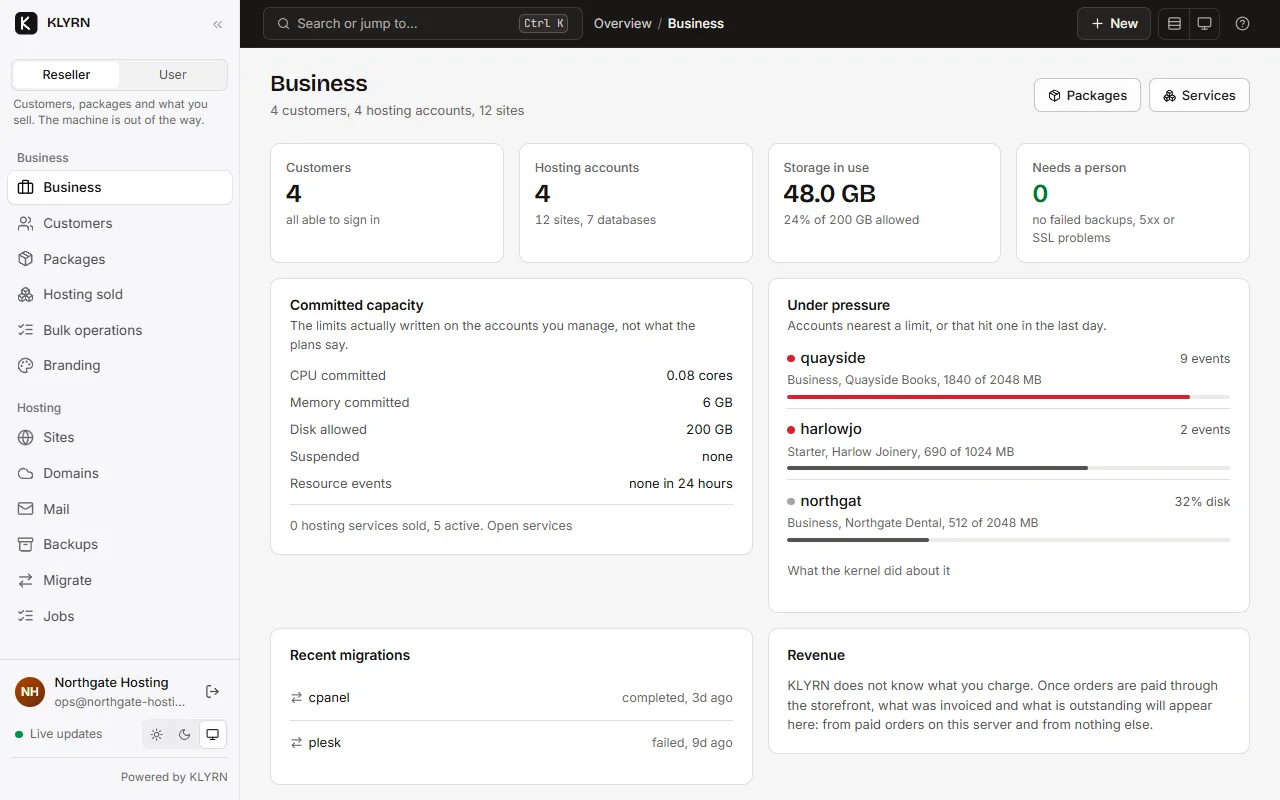
- Their own customers and the accounts they own. Create users, assign and transfer accounts, set disk limits, suspend, and set their own branding. They never see the server's updates or its licensing. What a reseller can still see today.
- Customer
- The accounts assigned to them, and nothing else.
The role is checked in the privileged core, per operation. The web tier's opinion about who you are is re-authorised against core's own records before anything happens.
The hierarchy is two levels deep and there is no way to make it deeper. A reseller cannot create another reseller. cPanel's own documentation says the same thing about nested resellers, but as a warning rather than a limit: "While the system allows resellers to create other resellers (nested resellers), we do not support this configuration." 1
White label
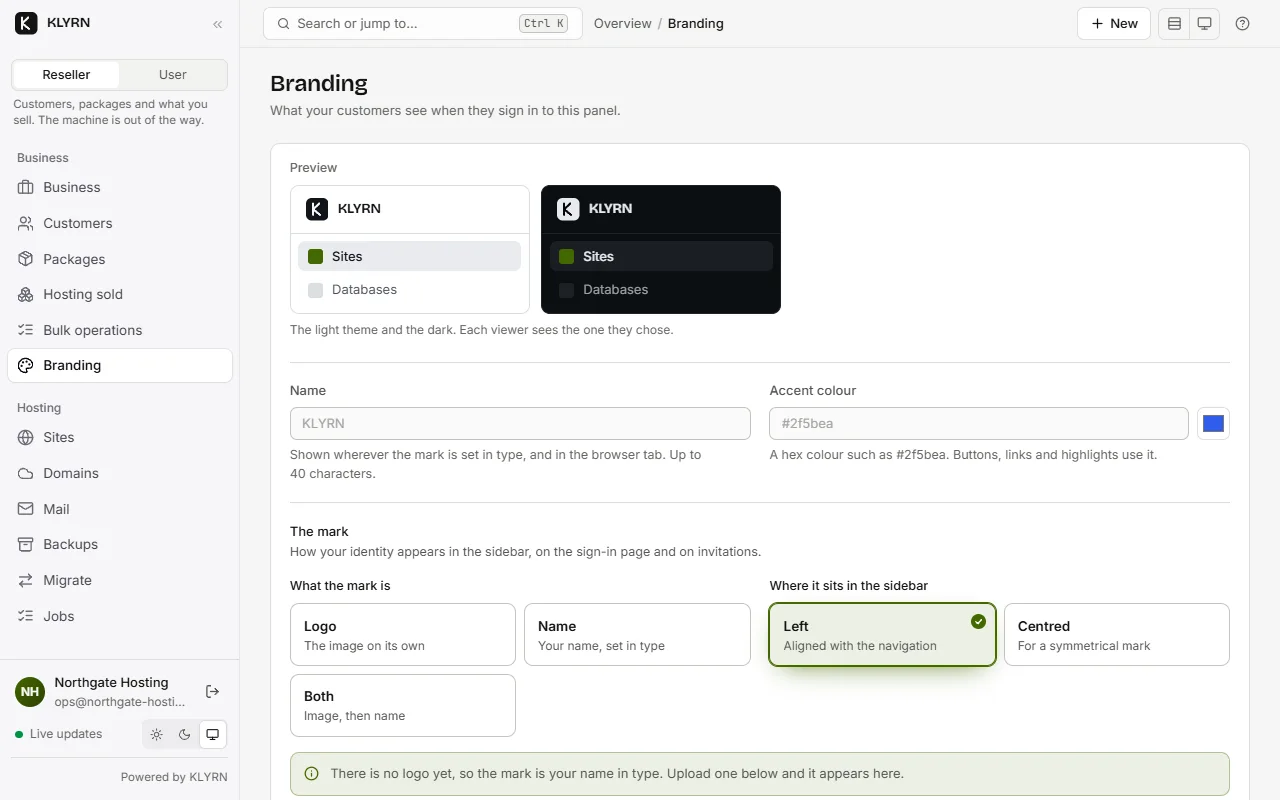
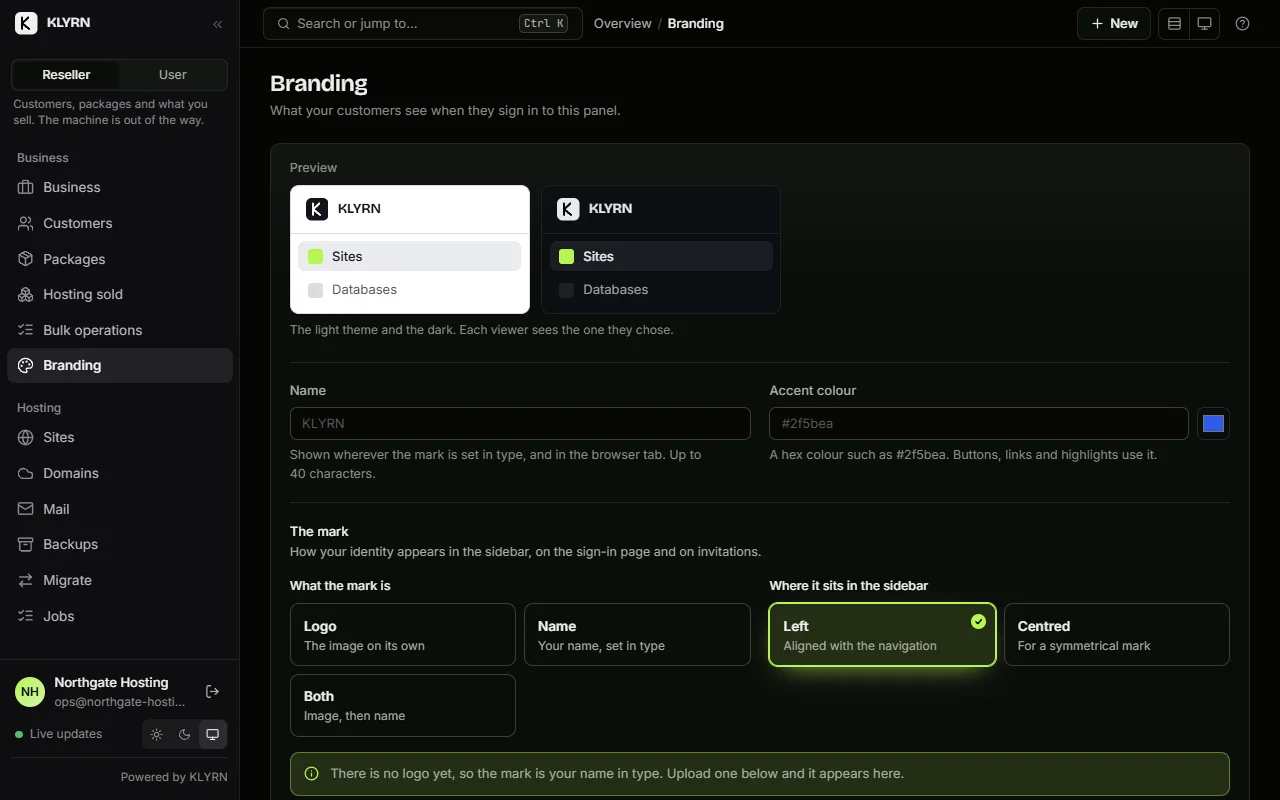
Your customers see your name.
One brand per reseller: a logo, a name, an accent colour and a support contact. A customer sees their reseller's brand; a reseller sees their own; everyone else sees the host's.
The sign-in page needs the brand before anybody has signed in, so reading it is the one operation on the whole server that requires no session at all, and it returns nothing but the brand.
Removing the "powered by KLYRN" line is a licensed feature. It is stored whatever your plan and honoured when the licence includes white-labelling.
- Logo
- PNG, SVG, JPEG or WebP, up to 200 KB.
- Name
- Up to 40 characters, no markup.
- Accent
- A hex triplet or an
oklch()value. - Support
- A URL and an email address, both validated.
Demoting or deleting a reseller clears the link on every customer they managed and removes their brand row, so those customers immediately see the host's brand rather than a missing one.
Limits
Measured every fifteen minutes, and honest about what that is.
Each account's disk usage and inodes are measured on a schedule and enforced at KLYRN's own boundaries: uploads, extractions, copies, new archives, restores and new sites are refused past the limit, with the limit, the usage and the age of the measurement in the message.
A script the account runs itself can still write past the limit. A PHP script, a cron job or an SSH session writes through the kernel, not through KLYRN, and KLYRN is not in that path. The next measurement shows that it did. This is not a hard stop for a runaway process, and the panel, the CLI and this page all say so.
A filesystem quota would be a hard stop. It needs a separate /home mounted
with usrquota and the quota tooling installed. On a typical VPS with one
root filesystem, turning it on means rewriting the root mount options and
quota-checking the whole disk on a live server. KLYRN will not do that to a machine
that is already serving traffic.
cPanel takes the other road, and its documentation is equally direct about the consequences: quotas there are enforced by the kernel, and "Without quota support, the server will not display disk space usage for users and it will not enforce quota limits." It also notes that "the kernel-enforced quota does not access cPanel settings" and that quotas "do not limit updates that a user can make to a MySQL, MariaDB, or PostgreSQL database". 2
What is refused, and what is not
refused past the limit
upload · extract · copy · compress · restore · new site
still allowed
delete · rename · chmod · write · mkdir
Deleting is the way back under the limit, and an account that cannot edit
wp-config.php to fix its own site because it is 2 MB over is a
support ticket, not enforcement.
A refusal schedules a fresh measurement, so "delete something and try again" works within about a minute. A reseller can set a limit on an account they own, but not on one they own themselves, because a reseller who can raise their own ceiling does not have one.
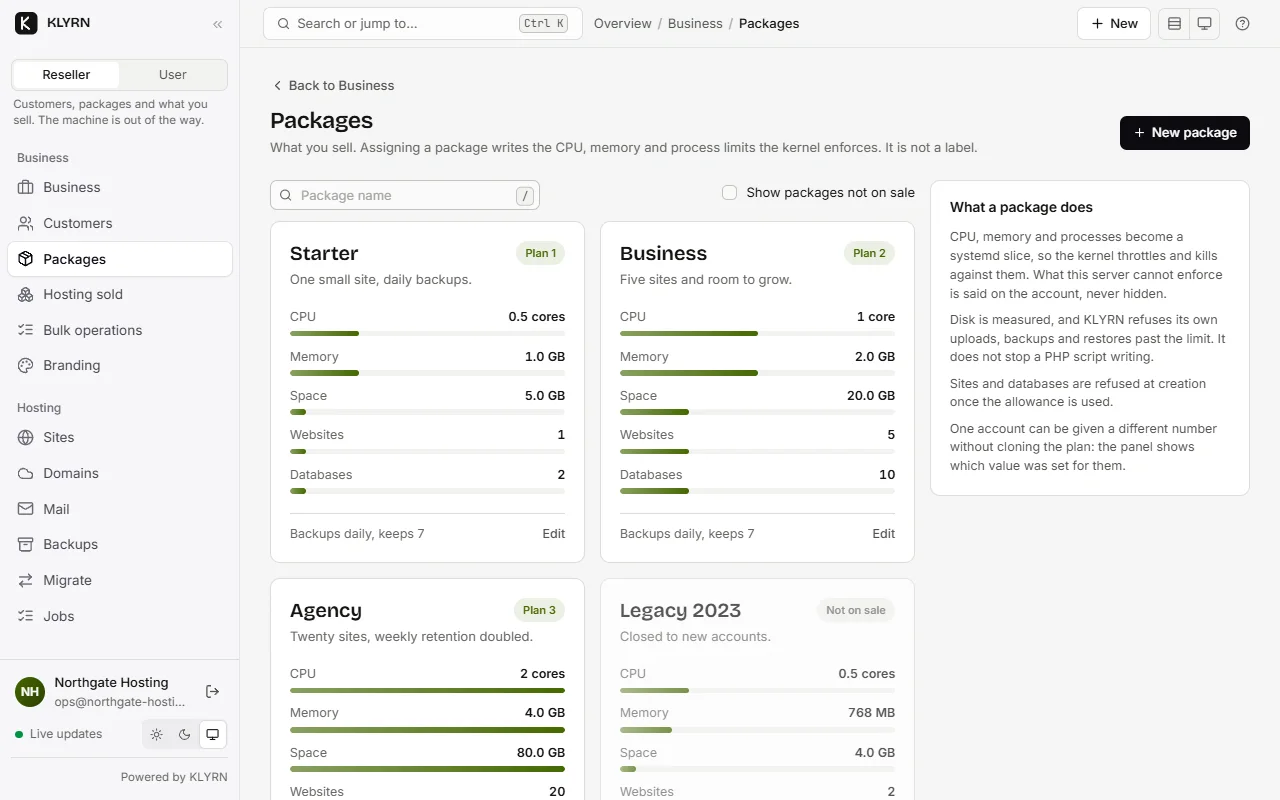
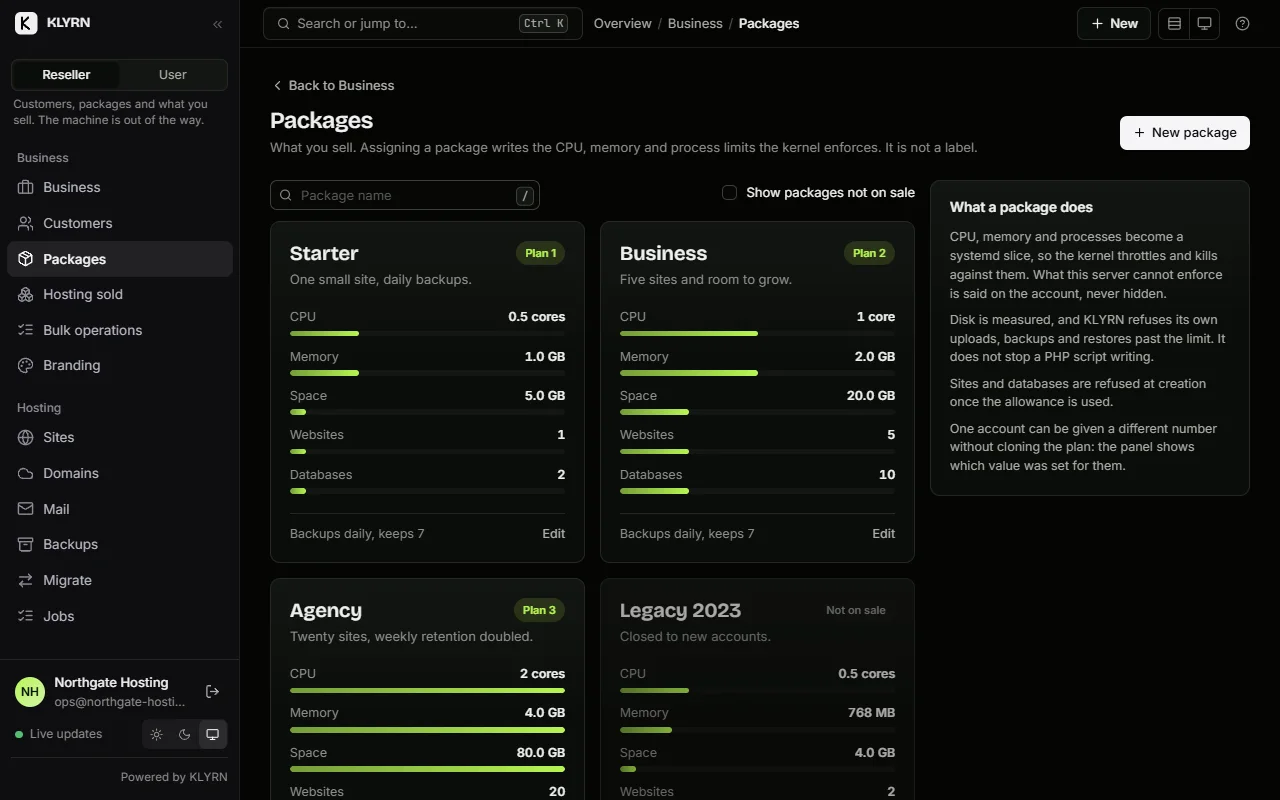
CPU, memory and processes are a kernel limit, not a measurement. Each account is a systemd
slice carrying CPUQuota, MemoryMax and TasksMax. Measured on the test
server: a 25% quota ran a busy loop at 25.00% of one core over ten seconds, 220 of 222 periods throttled. The
limit reaches Node.js applications and PHP: each account gets its own PHP-FPM master inside its slice, so
its workers are in the account's cgroup. Cron is outside it.
Resource limits, measured.
Lifecycle
Suspend, transfer, delete.
The three things a hosting business does to an account that a panel usually does badly.
The vhost, and nothing else
Files, databases, backups, cron rows and certificates are never read, moved or deleted. Every name the account answers for (aliases and redirects included) is suspended with it, because leaving one out drops that name through to the default server, which answers 200.
403 Forbidden
not 503: this is a deliberate access decision, and 503 tells visitors and crawlers to come back later
At least as senior as whoever imposed it
A reseller can lift their own suspension. A reseller cannot lift an administrator's. The message names who imposed it and who may lift it, so nobody has to guess why the button did nothing. Unsuspending an account restores only the sites the cascade suspended. One you suspended individually beforehand stays suspended.
Ownership moves, files do not
A transfer changes who manages the account and nothing else. No file is moved, no path changes, no site restarts. The files stay owned by the Unix user, because that identity belongs to the account, not to the person who manages it.
Deleting an account
The most destructive thing in the product, built accordingly: nothing happens without a preview, the account name has to be typed exactly, and the off-site copies are kept by default. They are the only thing that survives a mistake, and "delete everything everywhere" should never be the path of least resistance.
klyrn user account-delete acme --confirm acme --backup-first
- PreviewEvery site with its type and certificate, every database by name, the cron entries, the local backups and their size, the remote copies, and the measured disk usage. Counted from the database, not estimated.
- ConfirmType the account name exactly. Refused outright if any of its sites has a job running.
- Back up first, optionallyAnd stop if a backup fails.
- RemoveEvery site, every database, the local backups, the Unix user and its home, and the account row.
- Keep the bucketThe job says how many copies remain and that they can still be restored.
Taking the money
A storefront and a checkout, on your own server
A plan list, a checkout, orders, customers, services and renewals are in the panel already. There is no billing vendor in the path and no monthly fee before your first customer.
Two rules keep it out of trouble, and both are structural rather than careful. It never provisions anything itself: a paid order hands a request to the same provisioning engine the panel and the CLI use, because a billing system with its own idea of how to make a Unix account is how one customer gets two. It never trusts a browser about money: an order becomes paid because a payment provider's verified callback said so, or because you looked at your bank and said so.
It ships with manual payment, which is bank transfer, cash or invoice on account. It reports itself as not automated, because nothing in it pretends to know when money moved. KLYRN supplies no bank details, not even an example: no IBAN, no placeholder, nothing that could be mistaken for a real account, because inventing a payment instruction is how money goes to the wrong place. The field ships empty and the readiness check says so before you publish.
It is deliberately small and will not grow into a helpdesk, a registrar, a CRM or a tax engine. If you need those you run WHMCS, and there is an integration for it. This is for the provider who has none of that and wants to sell a plan this afternoon.
- Terms
- Monthly, quarterly, yearly. Renewals advance in months and keep the day, so the 31st stays the 31st and lands on the last day of a short month.
- Orders
- draft, pending payment, paid, provisioning, active, failed, cancelled, refunded. A customer asking where their hosting is gets a state, not a guess.
- Customer portal
- Their orders, their services, plan changes previewed before they are applied, and cancellation without emailing you.
- Cancelled is not deleted
- Cancelling at the end of a paid term and destroying the data are separate states, because collapsing them is how providers delete what somebody paid for.
When a machine is gone
A bucket that can answer “what was on it?”
Backing sites up is not disaster recovery. The thing that knew which accounts existed, which domains pointed where and which database belonged to which site was the database on the disk that just died.
So KLYRN writes that knowledge to the same bucket, as a small encrypted, versioned document, rewritten after every successful remote backup. A freshly built machine with the destination credentials and the backup key reads it and lists every account and every site before restoring a byte.
One object in the destination is not encrypted: a fingerprint file, so a rebuilt server can say "import key 3f1a9c04b7d25e88" instead of failing with "wrong key" and leaving an operator to guess which of five it needs.
Rotating a backup key adds one and never removes one. A backup that could be restored yesterday must still be restorable today; any other behaviour is data loss with a progress bar.
klyrn recover discover
klyrn recover run --only example.com,shop.example.com
klyrn recover run --overwrite
For contrast, from cPanel's own documentation on restoring from a remote destination: "You must manually transfer the backup files from the remote location to your server. However, after you transfer the backup files to the server, WHM's Backup Configuration feature handles the actual restoration." 3 The documented procedure is to fetch the files with your own tool and place them in the correct dated directory structure. We found no cPanel documentation describing a rebuild of a whole server's account list from a remote destination without the original server.
Licensing
Growing does not cost more per account.
On every paid KLYRN edition, websites, domains, databases, accounts, WordPress sites and Node applications are unlimited. The server is the limit. Free is the only edition with product limits.
| KLYRN | cPanel | Plesk | DirectAdmin | CyberPanel | |
|---|---|---|---|---|---|
| What the ladder counts | Nothing on paid editions | cPanel accounts, WHM reseller accounts included 4 | Domains 5 | Accounts and domains 6 | Nothing; the core is free 7 |
| Entry tier | Free, one server | Solo, 1 account, $29.99/mo 4 | Web Admin, 10 domains 5 | Personal PLUS, 2 accounts and 20 domains, $5/mo 6 | Free, GPLv3 7 |
| Reseller tier | Business or Enterprise | Pro, up to 30 accounts, $53.99/mo 4 | Web Host, unlimited domains 5 | Standard, unlimited accounts and domains, $29/mo 6 | Core is free; six paid add-ons 7 |
| Growing past it | Nothing changes | Premier, up to 100 accounts, then $0.49 per additional account 4 | Move up an edition 5 | Volume discounts from 15% at four Standard licences 6 | Nothing changes 7 |
KLYRN's own prices are not published yet and no figure for them appears on this site. Plesk's published prices are deliberately omitted: at the time of reading, the pricing page served placeholder strings alongside real figures, so no number from it could be quoted responsibly. The domain limits it states are stable and are quoted.
- docs.cpanel.net: Guide to reseller accounts (the definition of a reseller, the six ACL categories, and the statement that nested resellers are not supported). Read 2026-09-06.
- docs.cpanel.net: Initial Quota Setup (kernel quota support required; no display or enforcement without it; the kernel-enforced quota does not access cPanel settings; quotas do not limit database growth). Read 2026-09-06.
- docs.cpanel.net: Remote restoration (the manual transfer requirement and the three-step procedure). Read 2026-09-06.
- cpanel.net/pricing: the Solo, Admin, Pro and Premier tiers with their account limits and monthly prices, the per-additional-account charge, and the definition of an account including WHM reseller accounts. Read 2026-09-06.
- plesk.com/pricing: the Web Admin, Web Pro and Web Host editions and their domain counts. Prices deliberately not quoted; see the note above. Read 2026-09-06.
- directadmin.com/pricing.php: the Personal PLUS, Lite and Standard tiers with their account and domain counts, monthly prices, and the volume discount schedule. Read 2026-09-06.
- cyberpanel.net/cyberpanel-addons: "CyberPanel core is 100% free and open source (GPLv3)", and the six premium add-ons. Read 2026-09-06.
Vendor pricing and documentation change. Every source above records the date it was read; follow the link rather than trusting this table.
Honest scope
What running several servers looks like today.
One console for every server
my.klyrn.com shows every server your licence keys have activated, which release each one is running, and which are behind. It updates one, several or all of them. A rollout runs one server at a time by default, with a failure budget that stops it rather than working through the rest, the same health checks and the same automatic rollback as an update run by hand.
Nothing there reaches into your servers. No stored root password, no SSH key, no open port, no remote command. Each server calls out, reads the version it should be running, and installs that release itself, checking the signature against a key built into its own binary, which the platform has never held.
Recovery is per server, and it works
Each server writes its own recovery manifest to its own destination prefix. A replacement machine reads one manifest and rebuilds one server's worth of sites. That is the unit of failure, so it is the unit of recovery.
Said plainly
No filesystem quotas, no per-account limit on cron, no built-in mail stack, and no authoritative nameserver. The last two are deliberate refusals, not a backlog. Fleet-wide update policies (one maintenance window for every server at once) are not there yet either; each server still keeps its own schedule.
Beta
Tell me when reseller licences are on sale.
Everything on this page runs in the beta today, and reseller accounts need a licence that cannot be bought yet. Prices and the first stable release are announced to accounts and this list on the same day.
One email when pricing and the first release are announced. Nothing else.