KLYRN

The tour

The panel, screen by screen.

Nine screens in the order you would meet them, taken from the real interface running demo data. Or watch the same thing move: the video is 1 minute 26 seconds.

Recorded from the panel, demo data. Every name is invented.

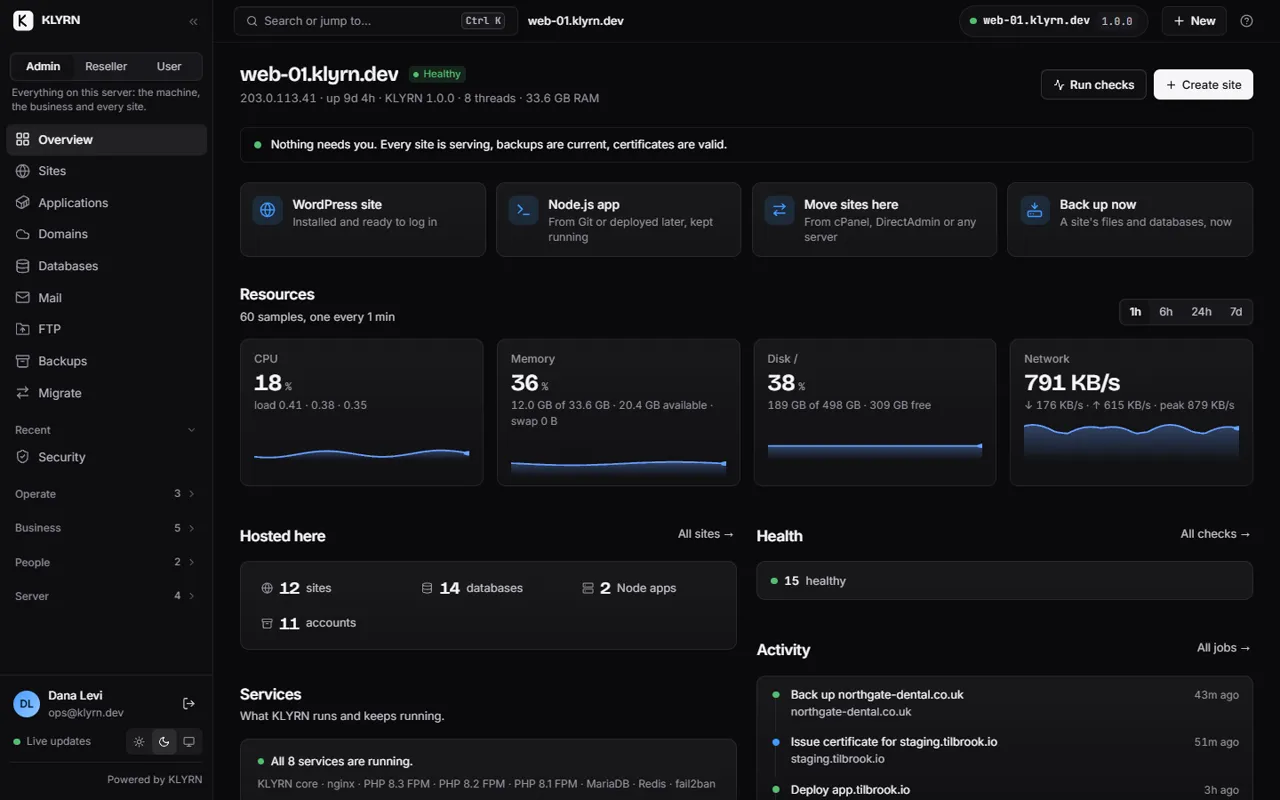
Start on the overview

One sentence at the top says whether anything needs you. Under it: the four things people do most, then CPU, memory, disk and network for the last hour, and a count of what this server hosts.

  • When something is wrong, it replaces that sentence and leads the page.
  • The health checks sit one click away, each with when it last ran.
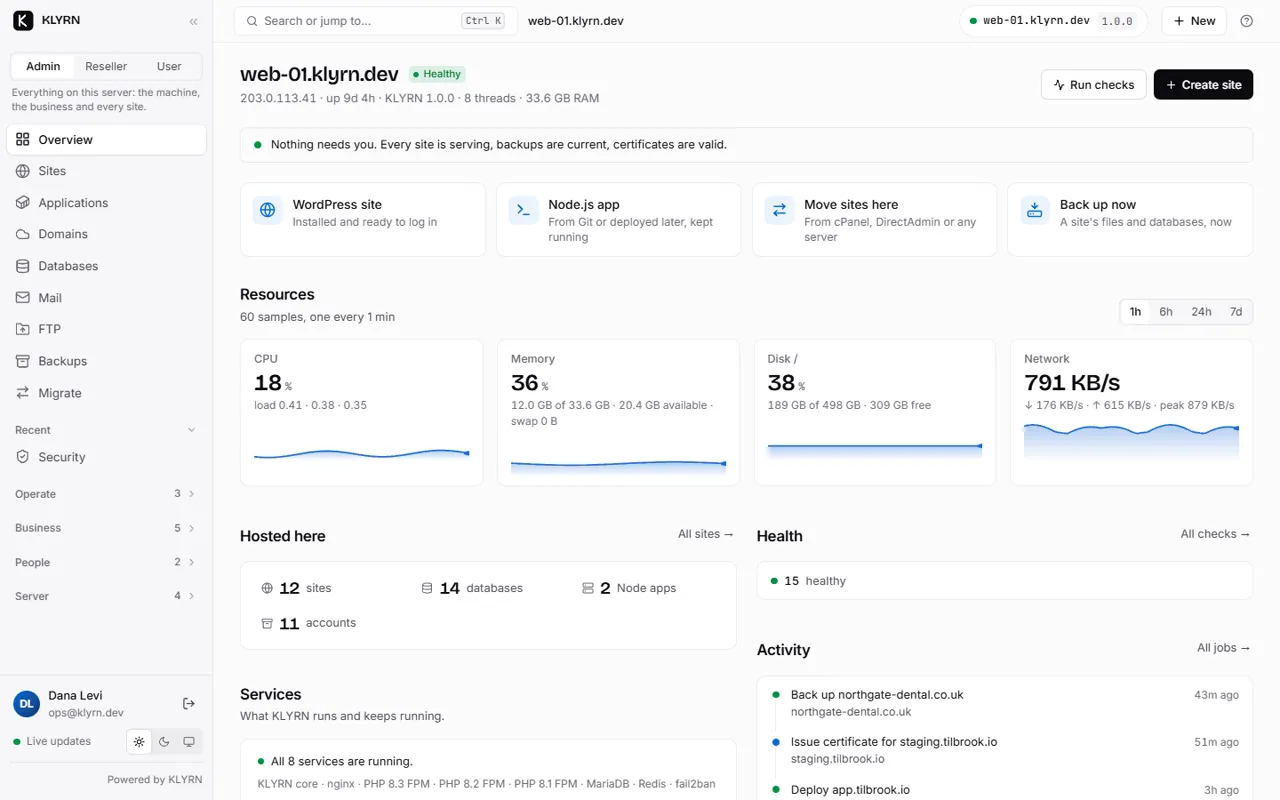
The overview of one server: nothing needs attention, with resources and what is hosted here.

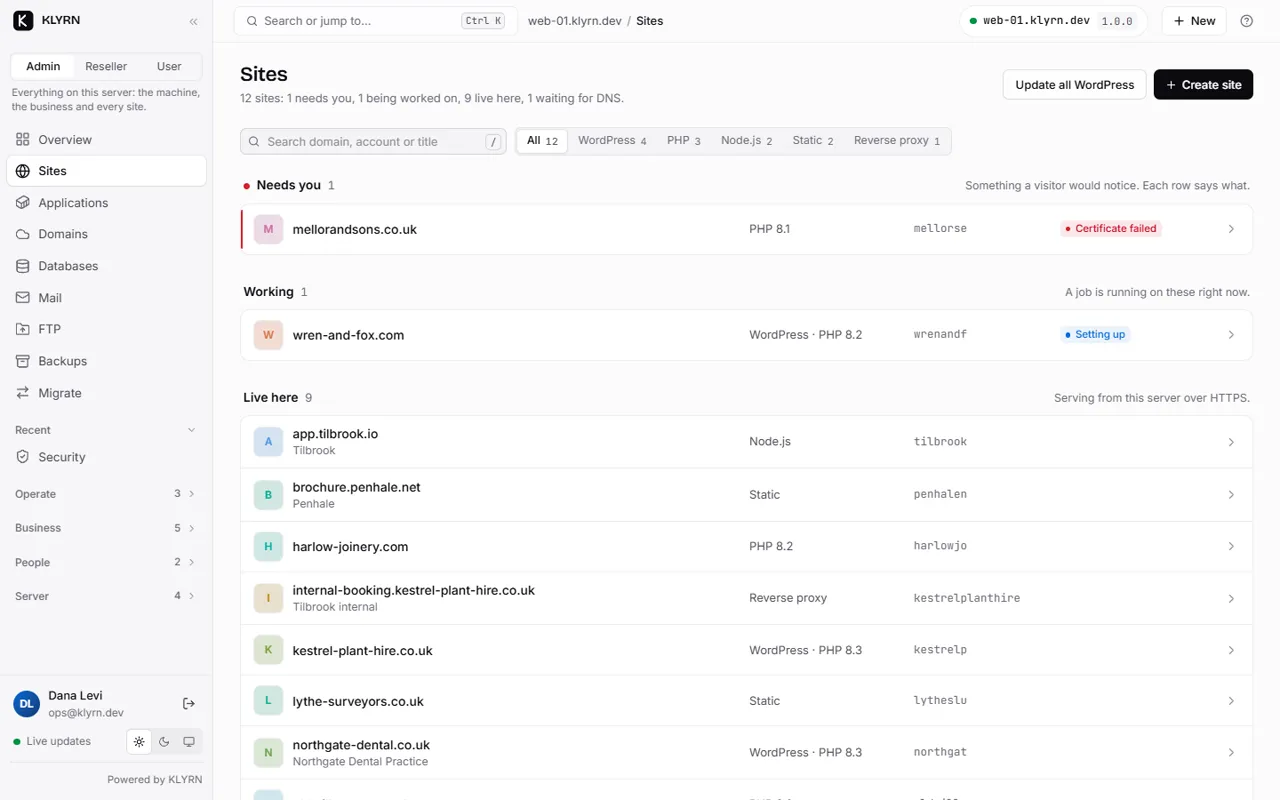
Every site, sorted by what it needs

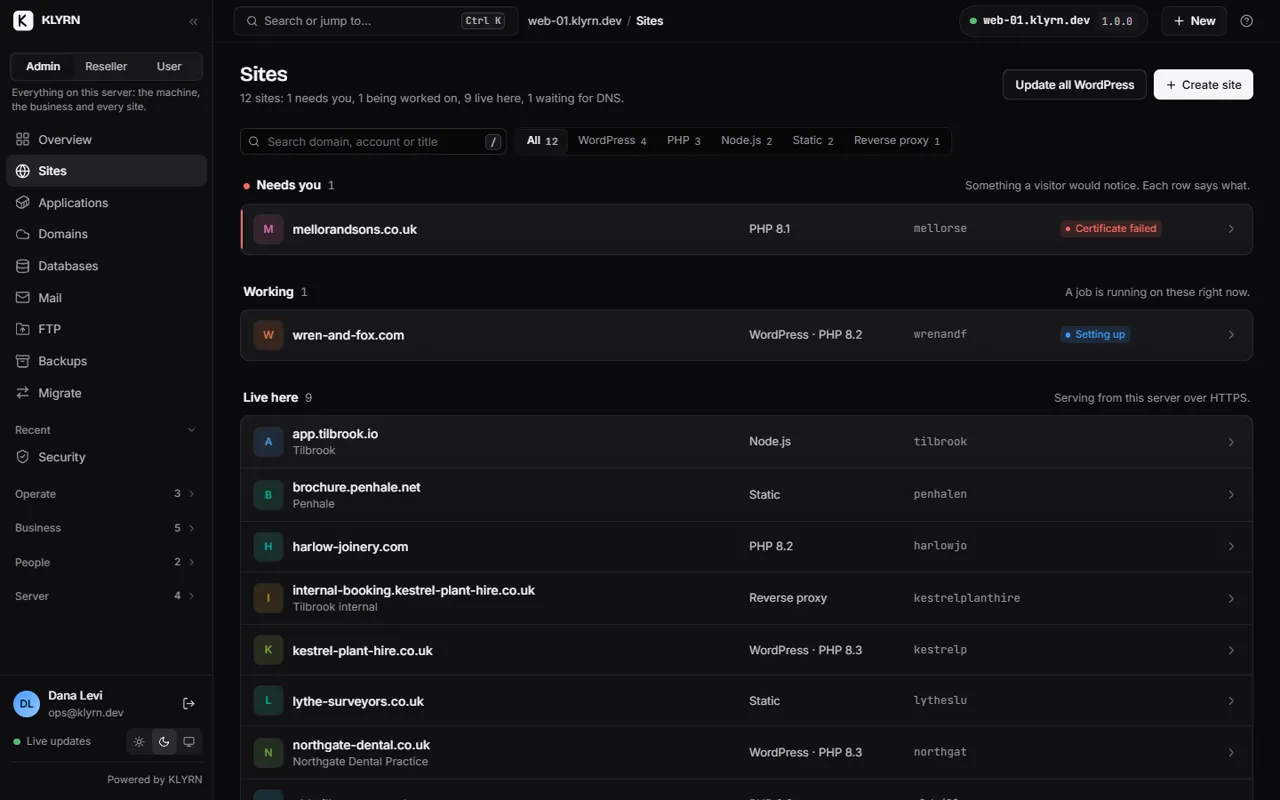
The sites list is grouped: the ones that need you, the ones still being worked on, and the ones that are simply live. Each row is one status line you can read without opening the site.

  • Filter by type, by certificate state or by account.
  • Admin, Reseller and User are three views of this same list, each seeing only what is theirs.
The sites list grouped by stage: needs you, working, and live.

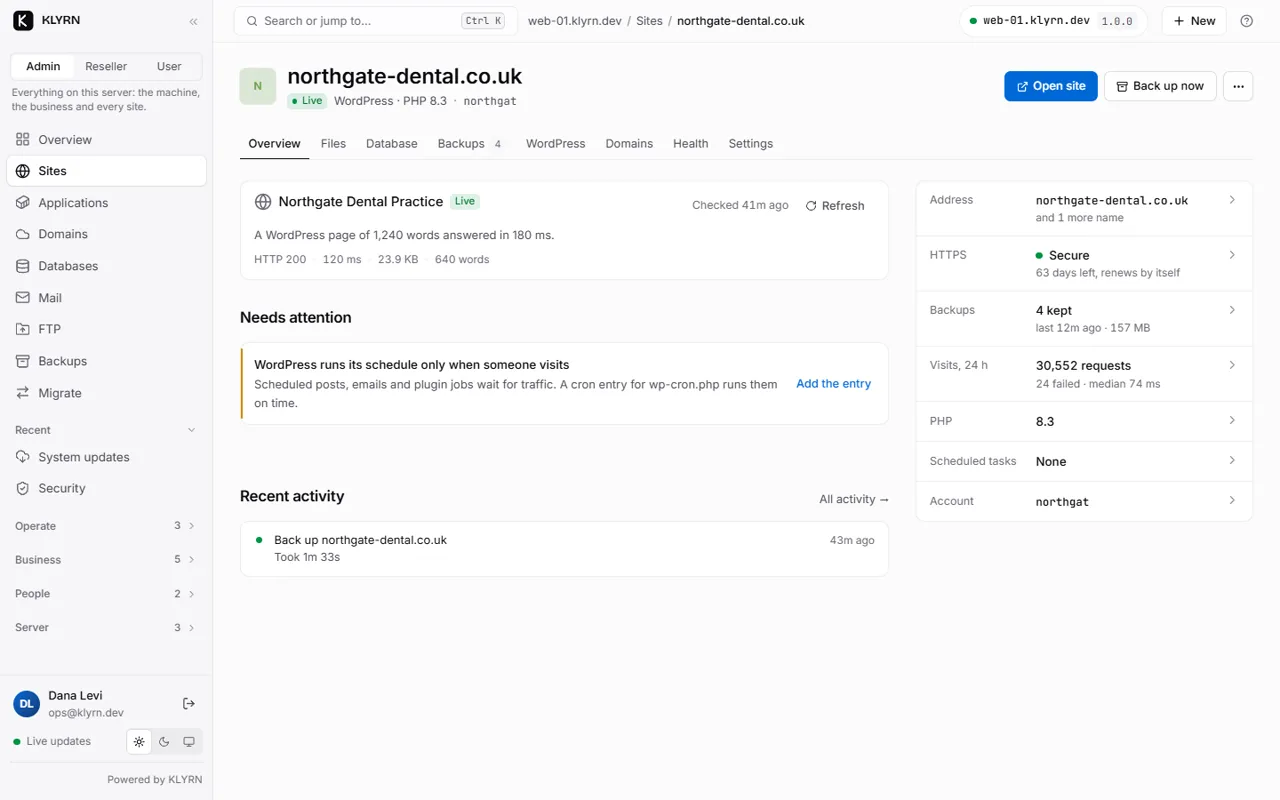
Open one site

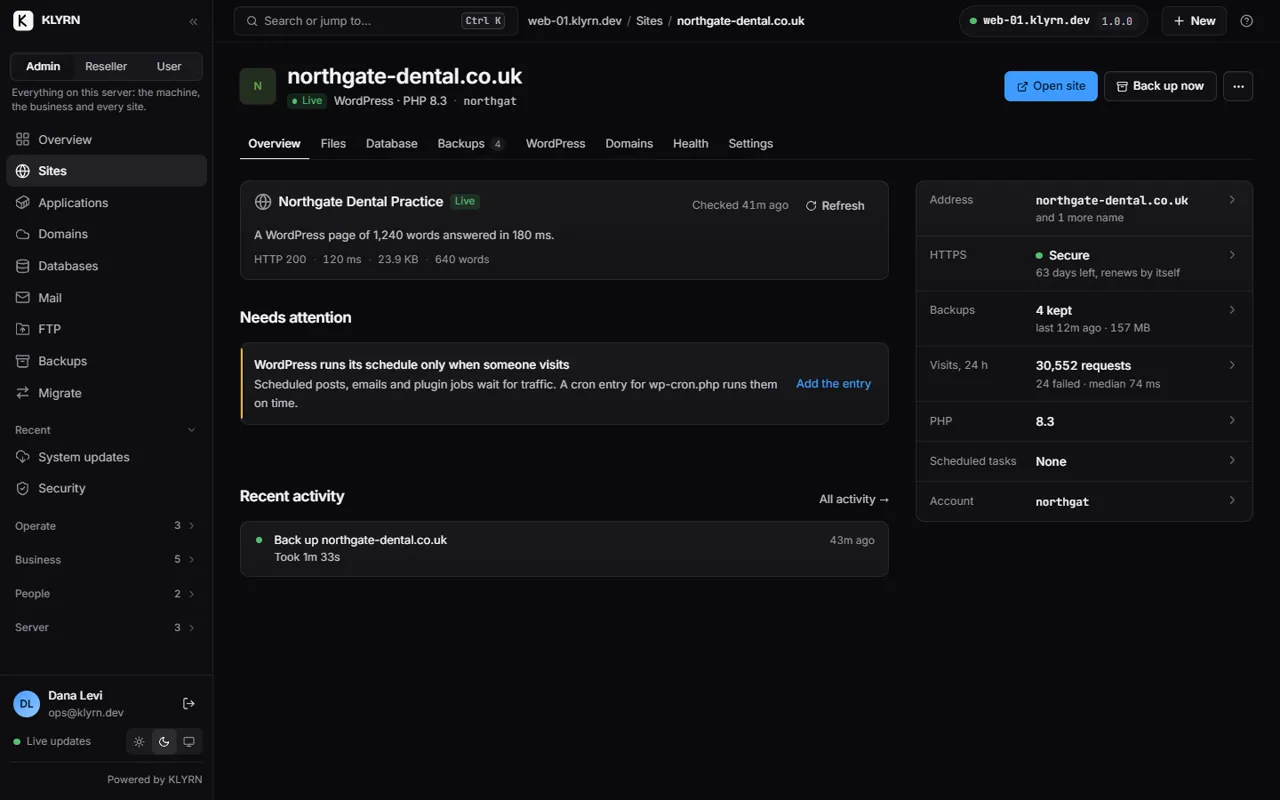
A site page leads with one status line, then anything that needs attention, then the facts: address, certificate, backups, PHP version and the account it belongs to. Files, database, backups, domains, health and settings are tabs of the same page.

  • Recent activity for this site only, so a change and a breakage sit next to each other.
One site: its status line, what needs attention, and its facts.

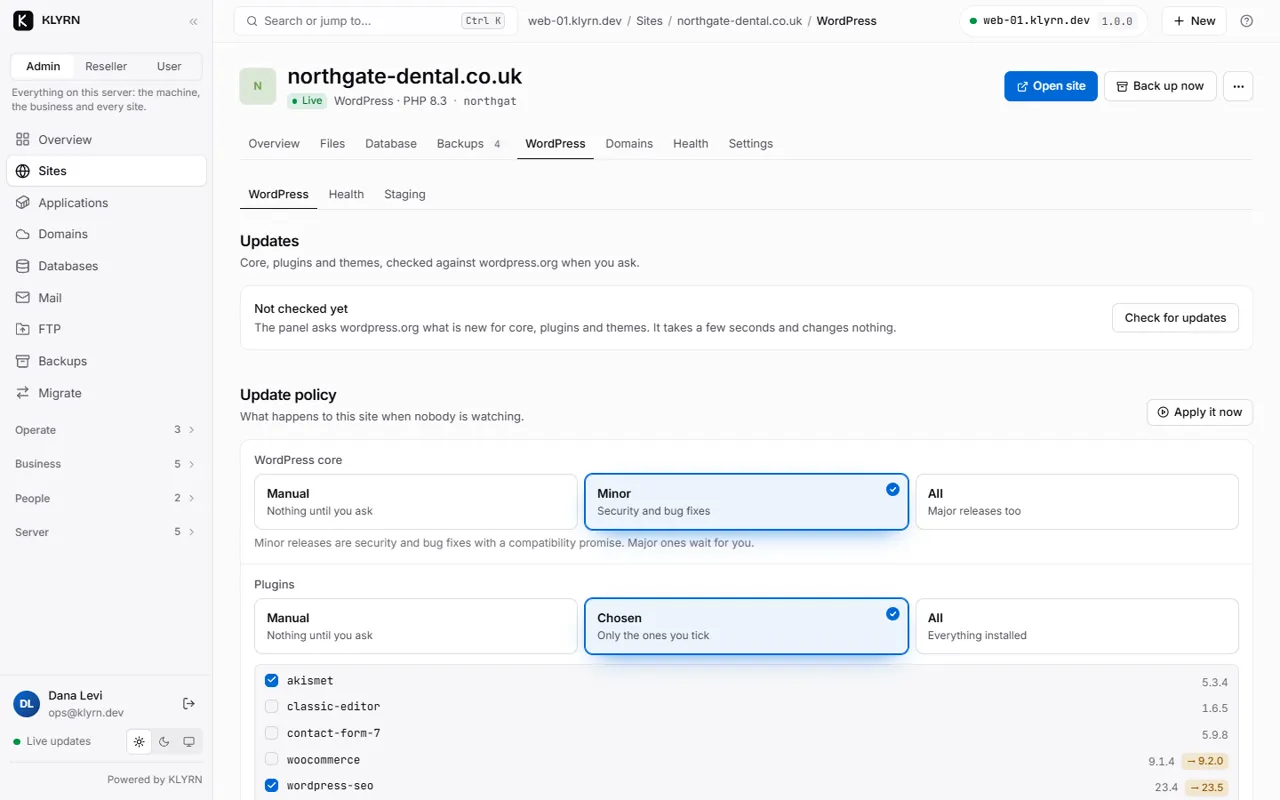
WordPress, with a policy instead of a prayer

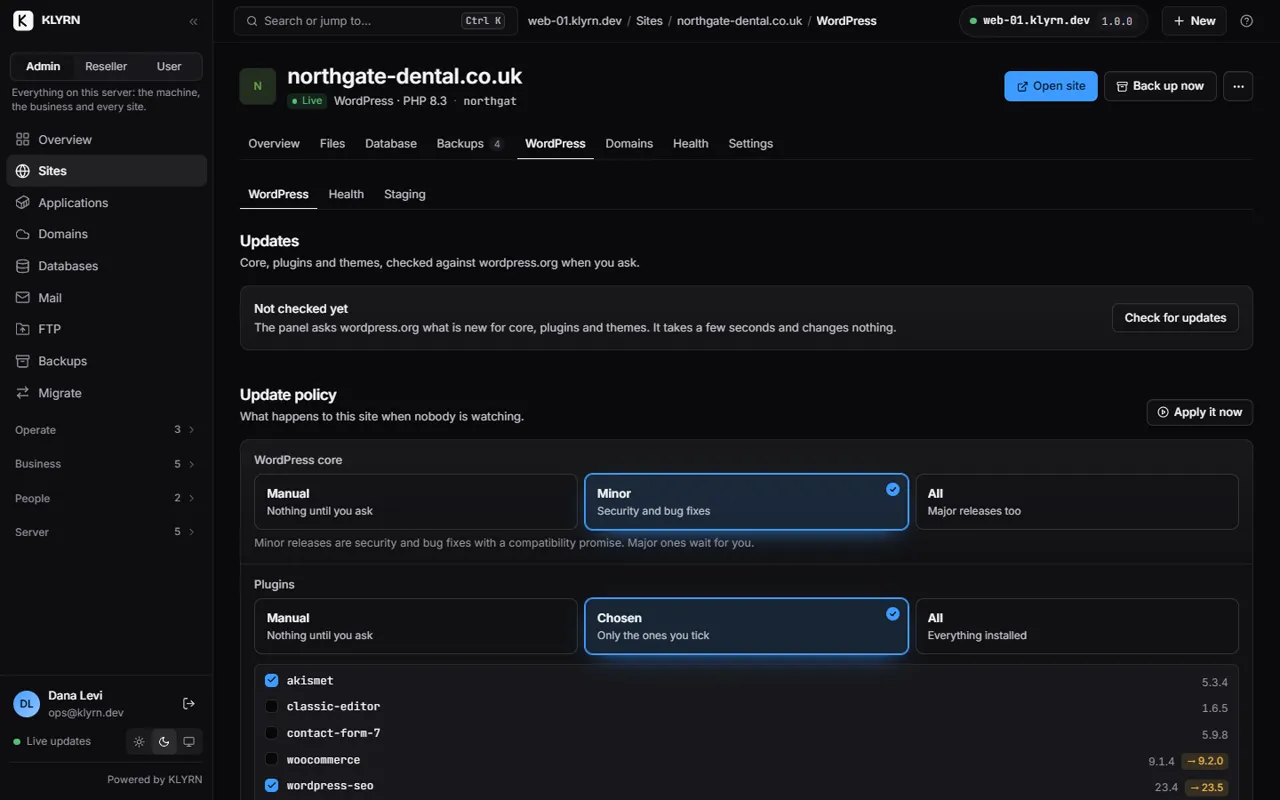
Check core, plugins and themes against wordpress.org when you ask. Then say what should happen when nobody is watching: nothing, security and bug fixes, or everything, with plugins chosen one by one.

  • An update takes a backup first, and checks the site still answers afterwards.
  • Staging is a real second site, on the Staging tab.
The WordPress tab of a site: updates and the update policy for core and plugins.

Bring sites in from the old server

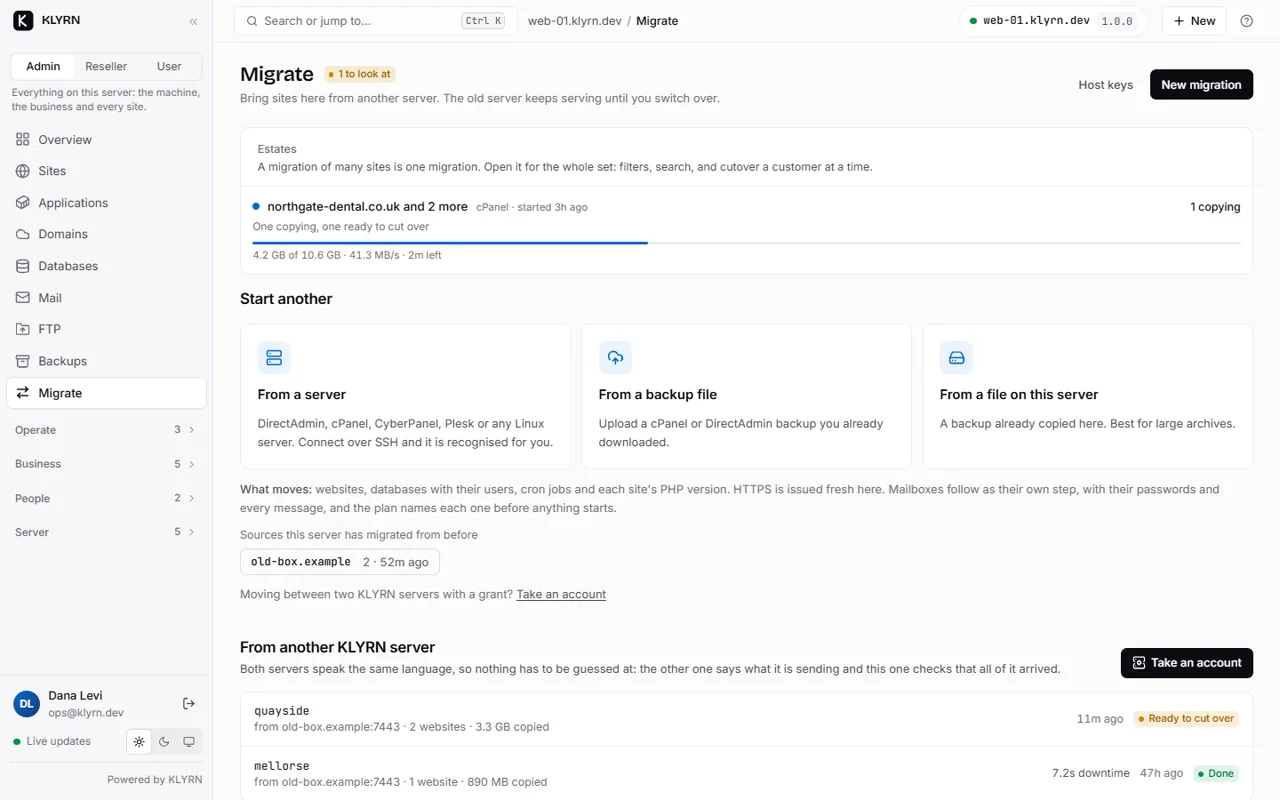
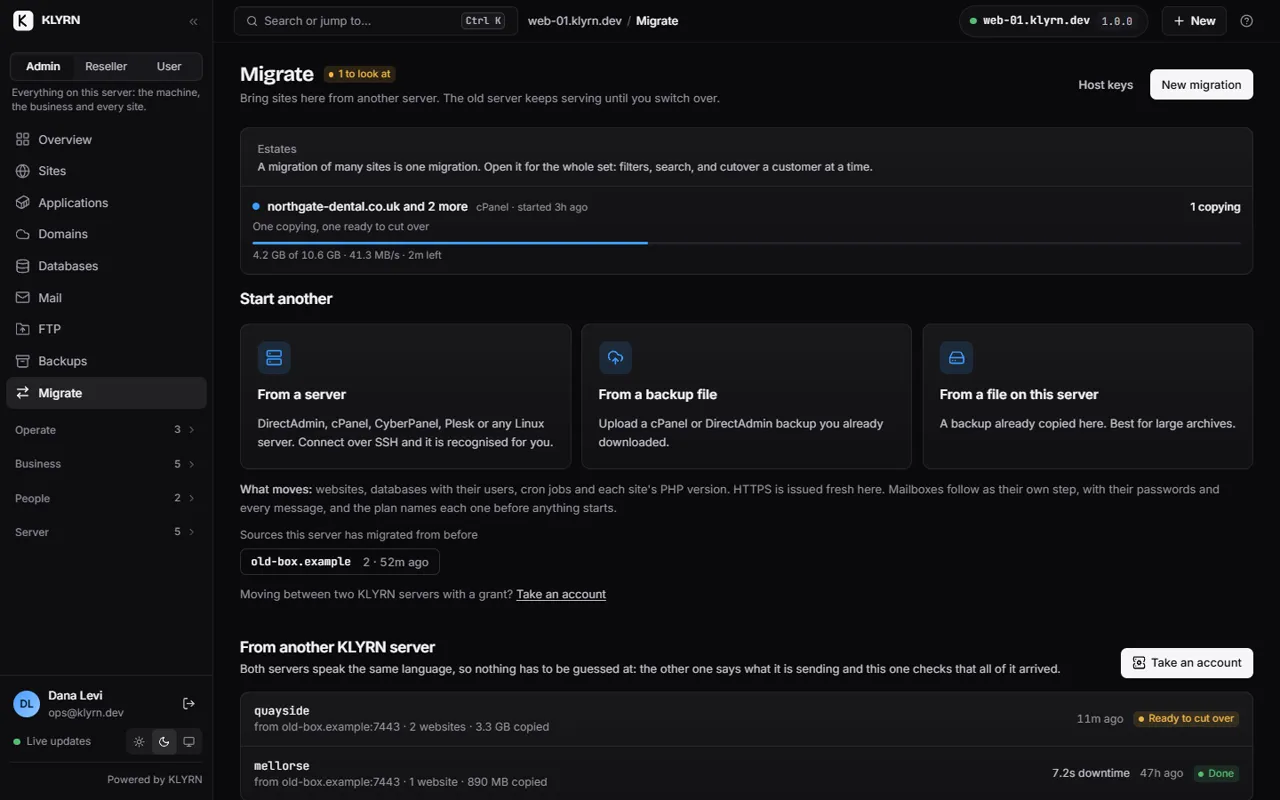
Start from a server over SSH, from a backup file you upload, or from a file already on this server. A migration of many sites is one migration: open it for the whole set, with filters, search and cutover a customer at a time.

  • The old server keeps serving until you switch a domain over.
  • Sources this server has migrated from before are remembered.
The Migrate page: one migration in progress and three ways to start another.

Mail, with the part nobody tells you

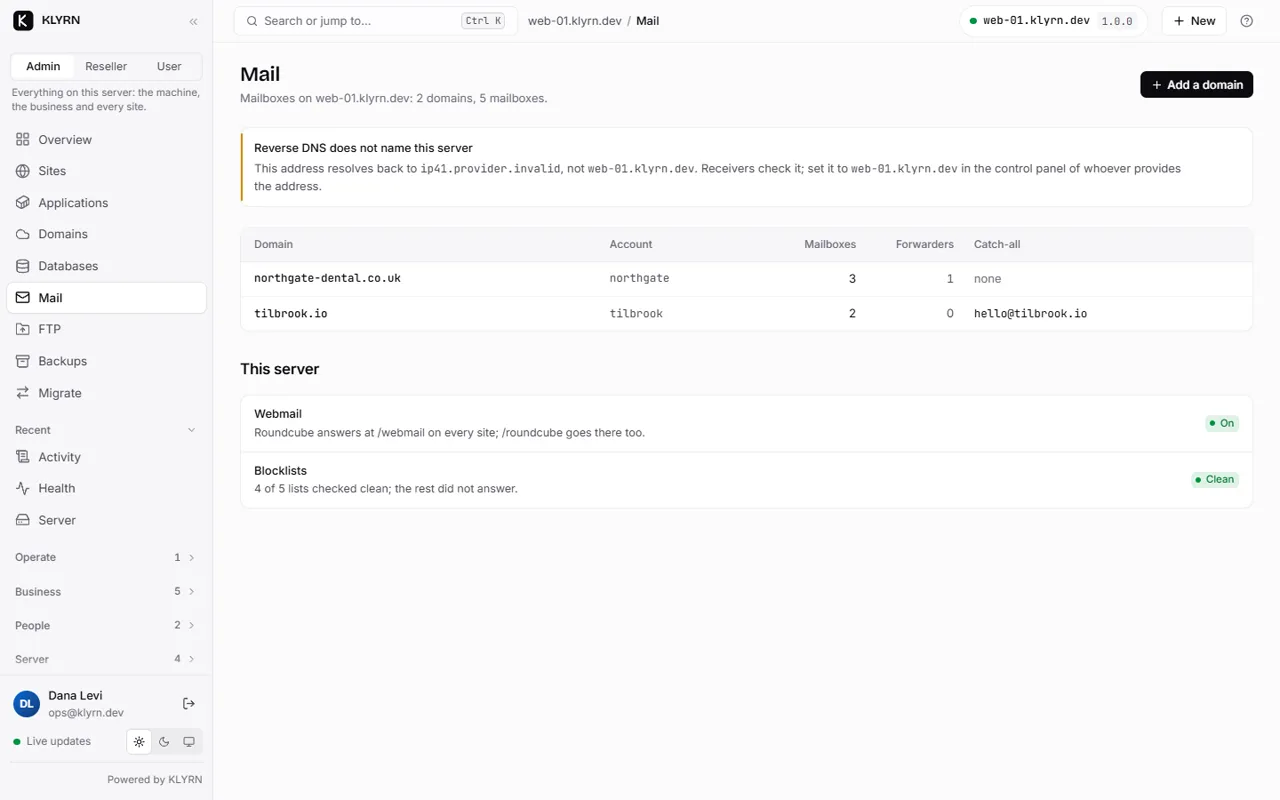
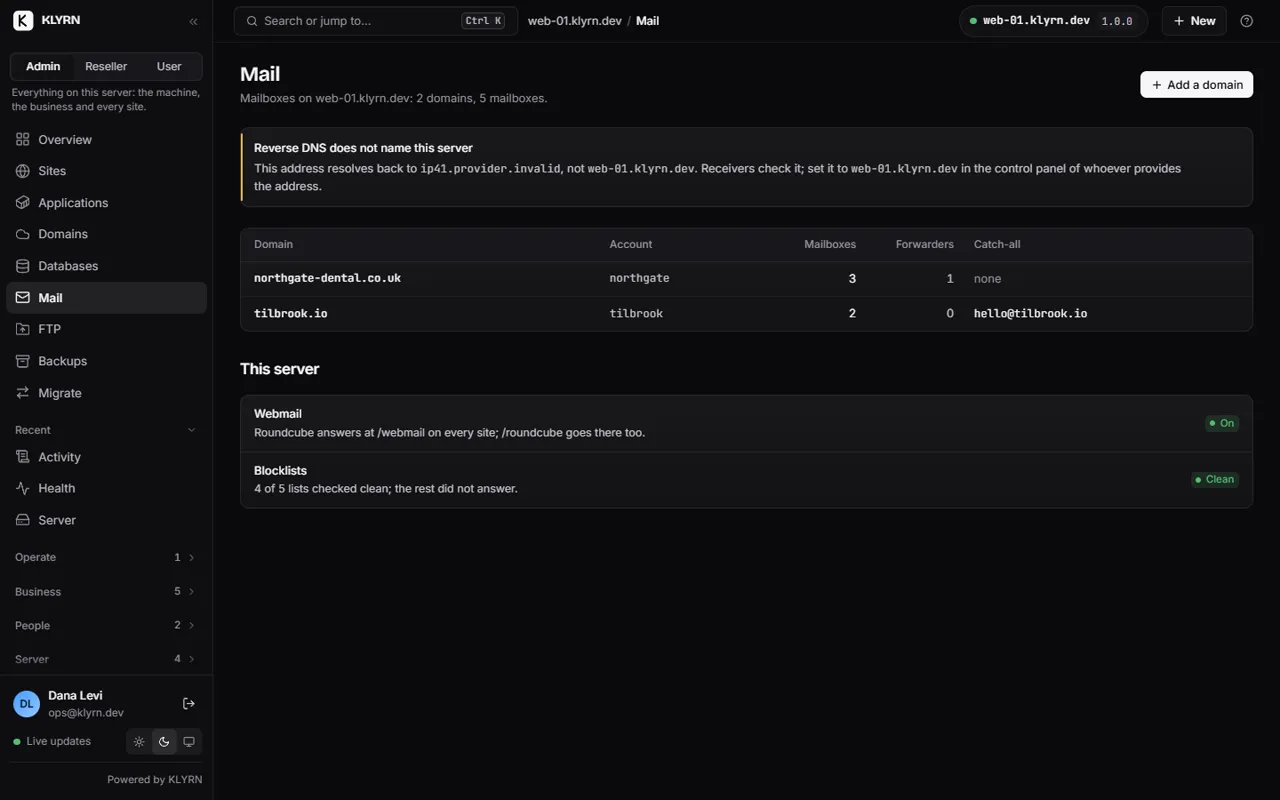
Mailboxes, forwarders and a catch-all per domain, with webmail on every site. The page also checks the things that decide whether mail arrives: here it has noticed that reverse DNS does not name this server, and says exactly what to set and where.

  • Blocklists are checked and the result is shown, clean or not.
The Mail page: a reverse DNS warning, two domains with their mailboxes, webmail and blocklist status.

Backups you can count on, by site

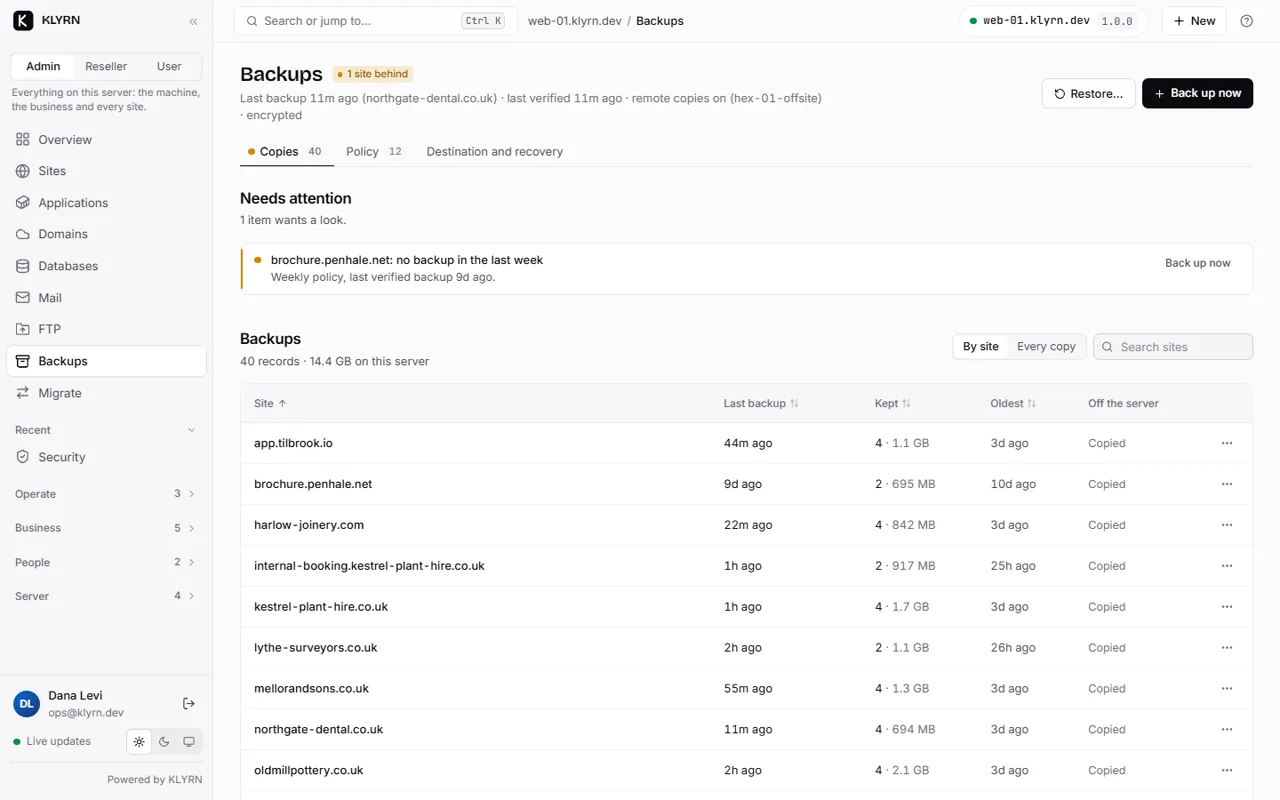
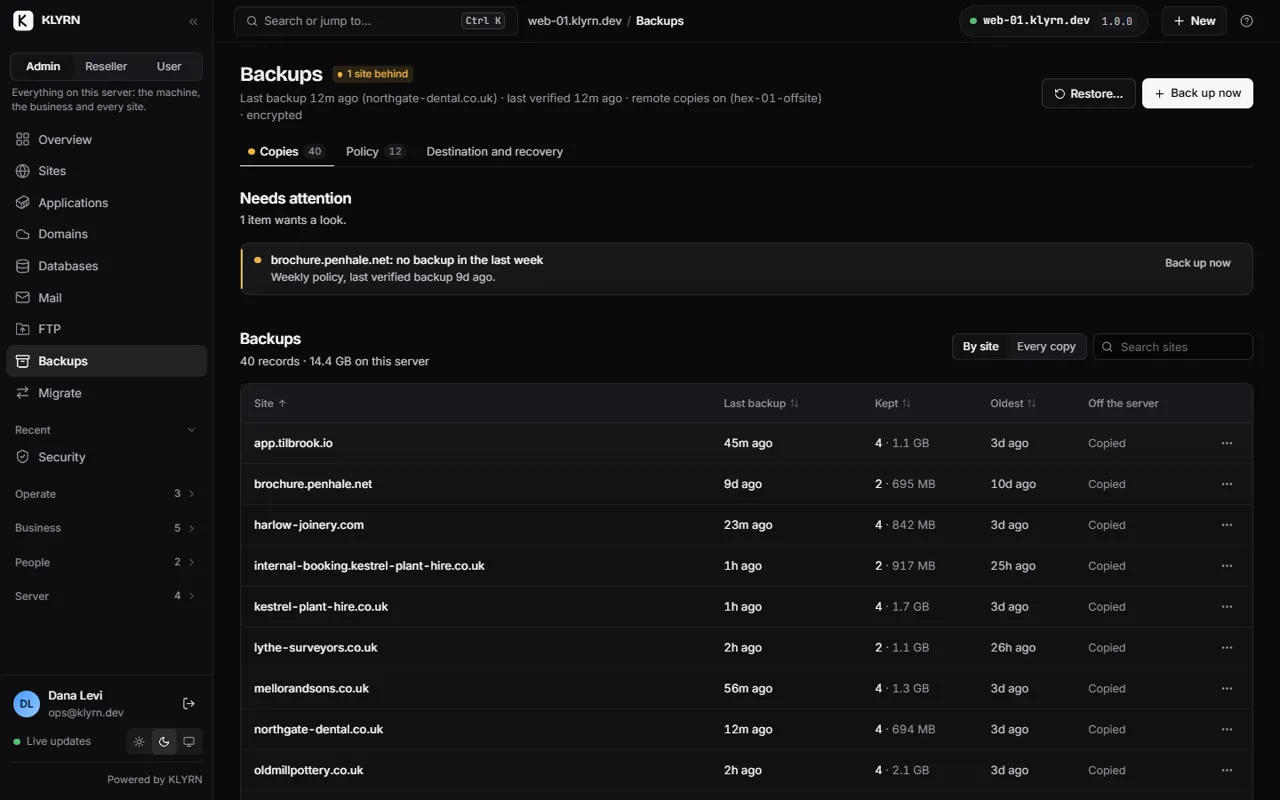
One line per site: when it was last backed up, how many copies are kept and how large they are, the oldest one, and whether a copy is off the server. A site that has fallen behind its policy is named at the top.

  • A backup is called verified only after it has been read back and every checksum matched.
  • Restore files, databases, or both.
Backups listed by site: last backup, copies kept, the oldest, and whether each is copied off the server.

Security that starts with what needs you

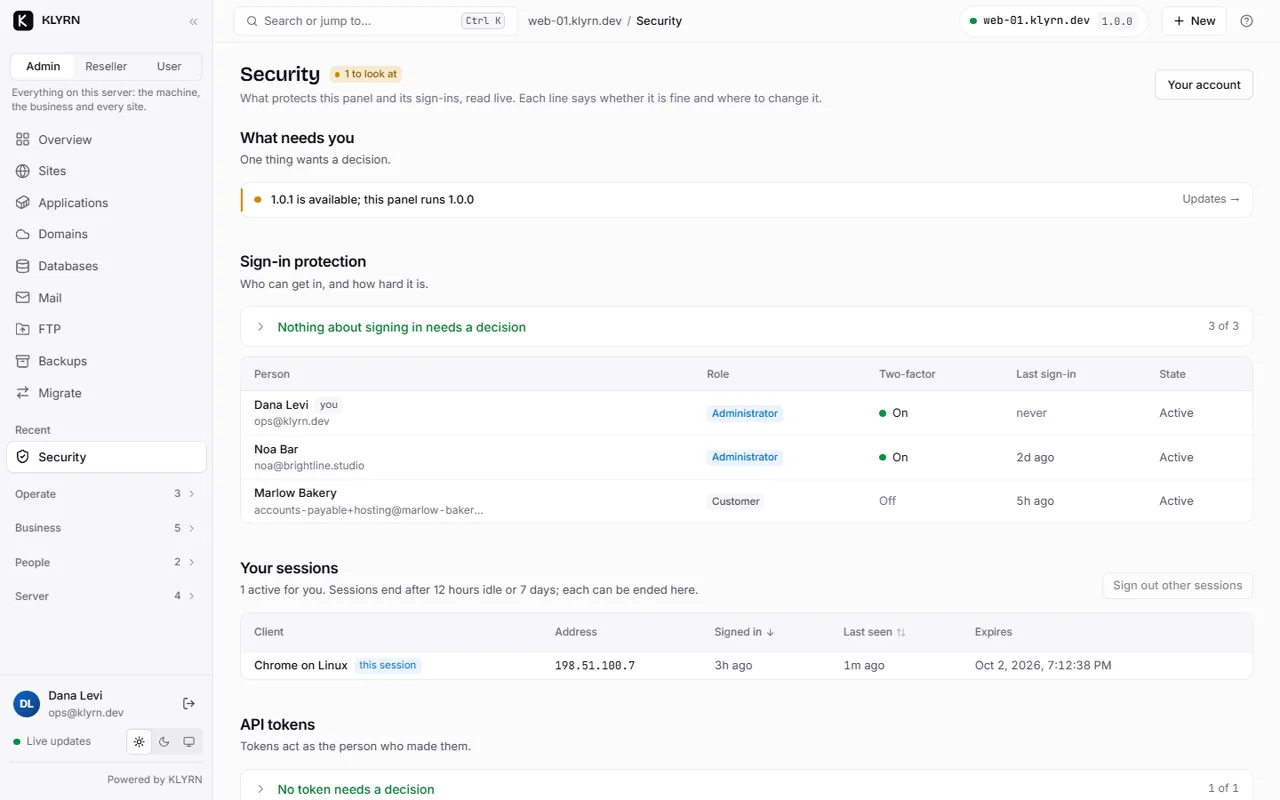
Anything that needs attention is at the top. Under it: sign-in protection, who is signed in and from where, and the API tokens that exist, so a forgotten token is something you can see.

  • Every person with access is listed with their role and whether two-factor is on.
  • Sessions end after 12 hours idle or 7 days, and each can be ended from here.
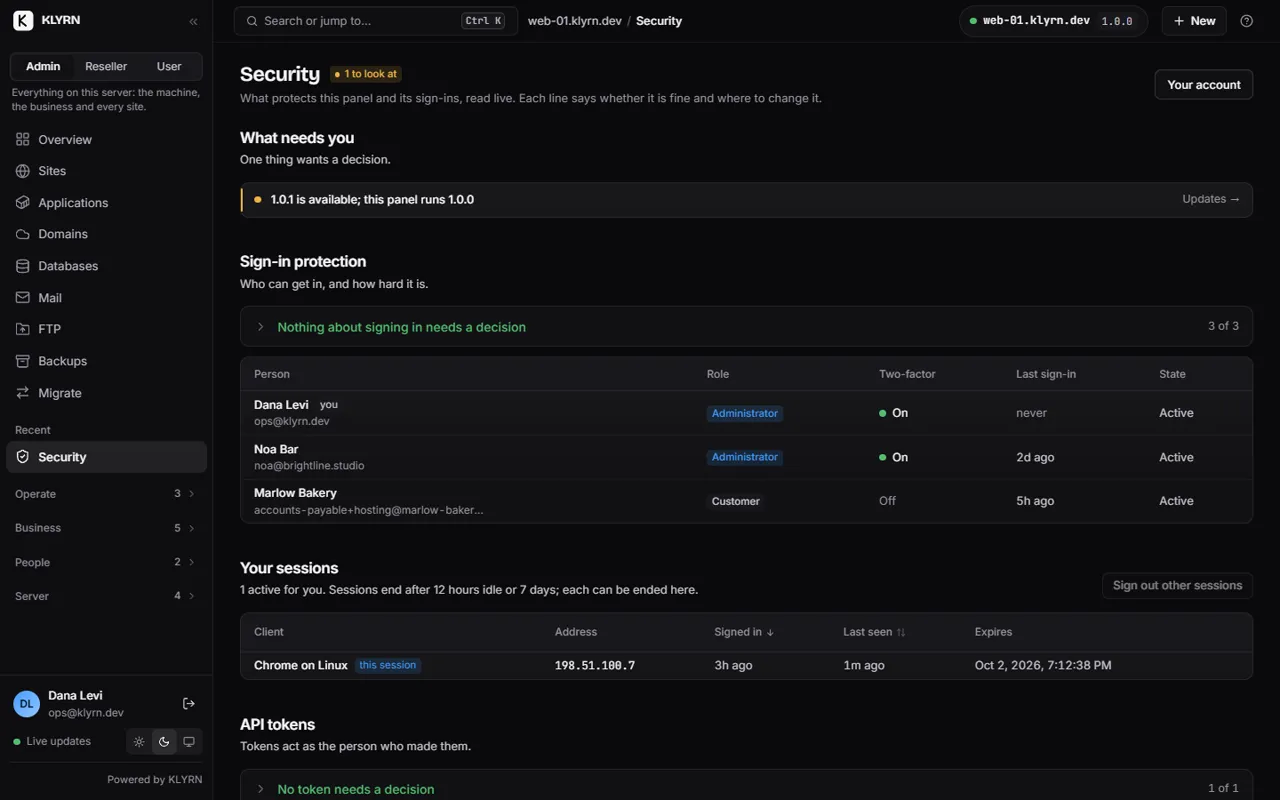
The Security page: what needs you, sign-in protection, sessions and API tokens.

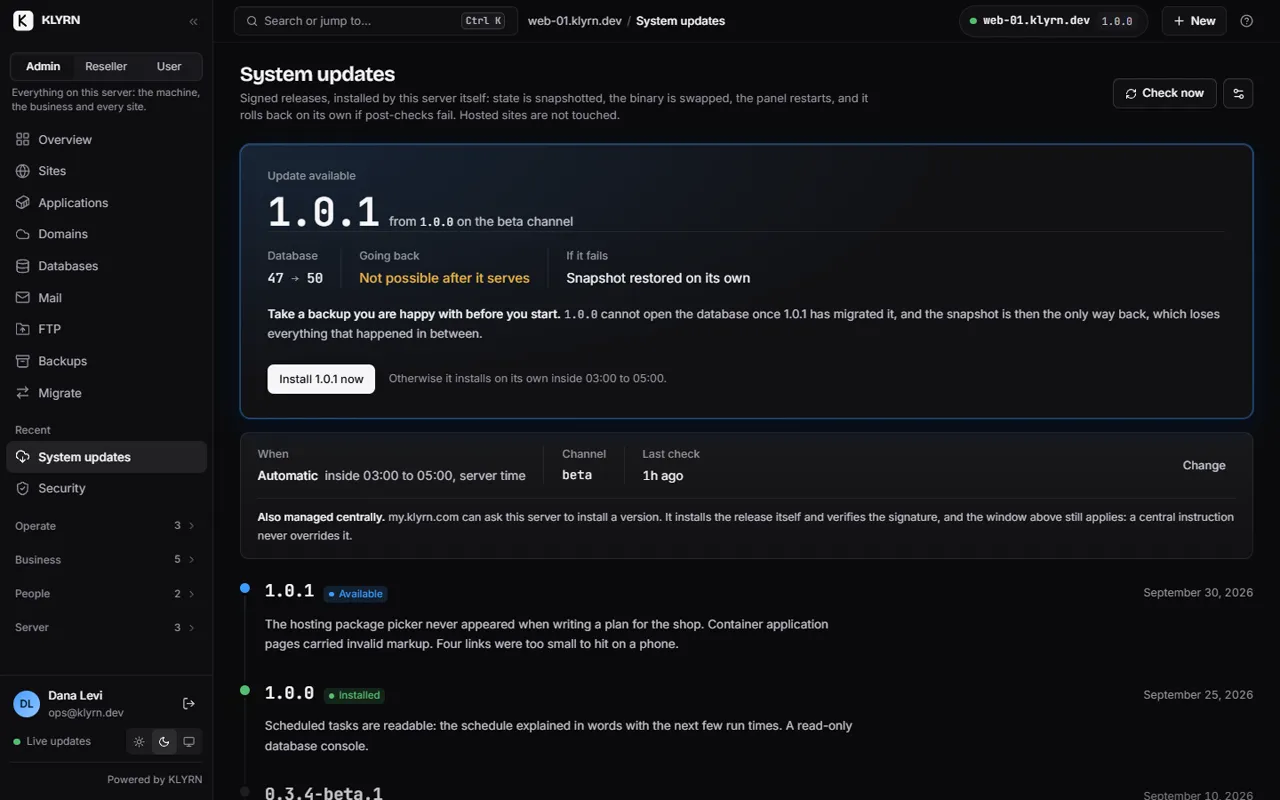
Updates that check themselves

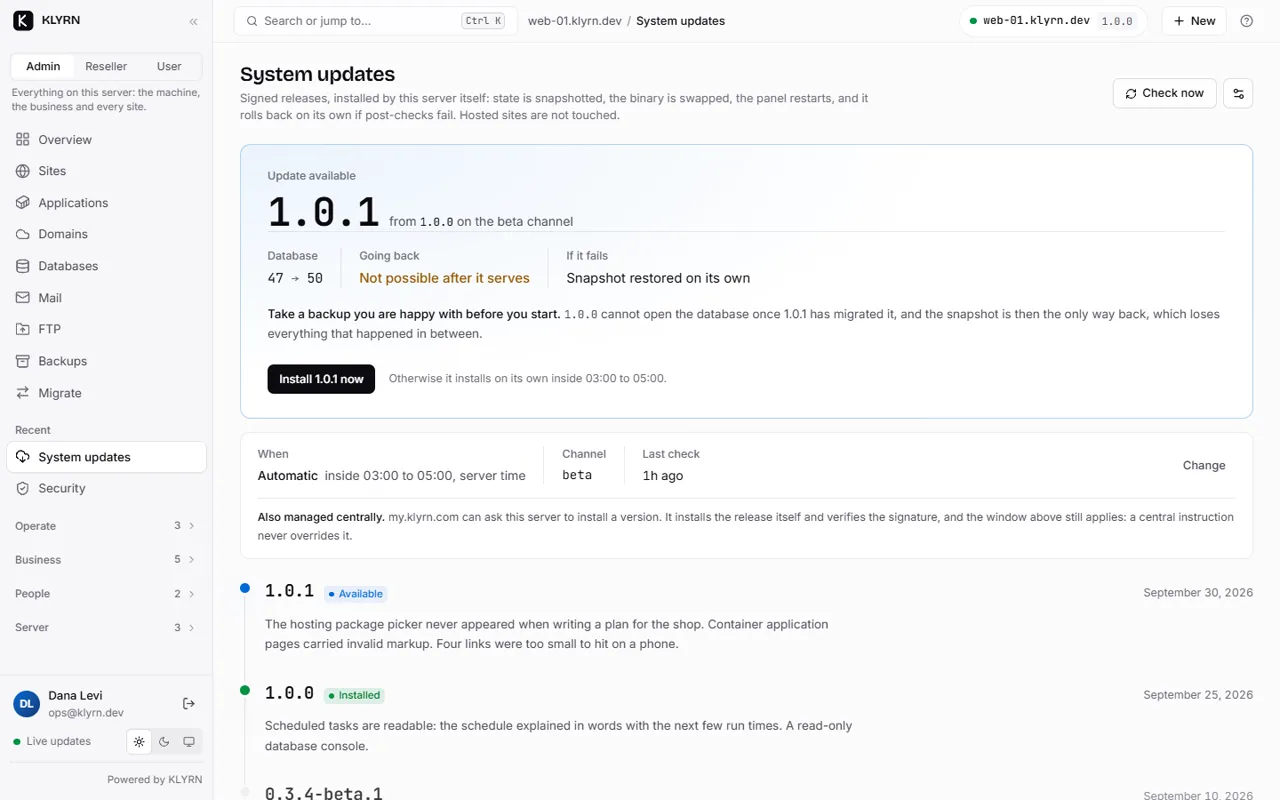
The page says what is available, what it changes in the database, whether going back is possible and what happens if it fails. Releases are signed and the signature is checked before anything is installed.

  • Install now, or let it install itself inside the window you set.
  • A release that fails its checks restores the snapshot on its own.
System updates: 1.0.1 available over 1.0.0, with what it changes, the update window and the release history.

Next

That was the tour. The install takes 53 seconds.

One command on a clean Ubuntu 24.04 server. Free for one server and five sites, with no card and no account.

Install Free