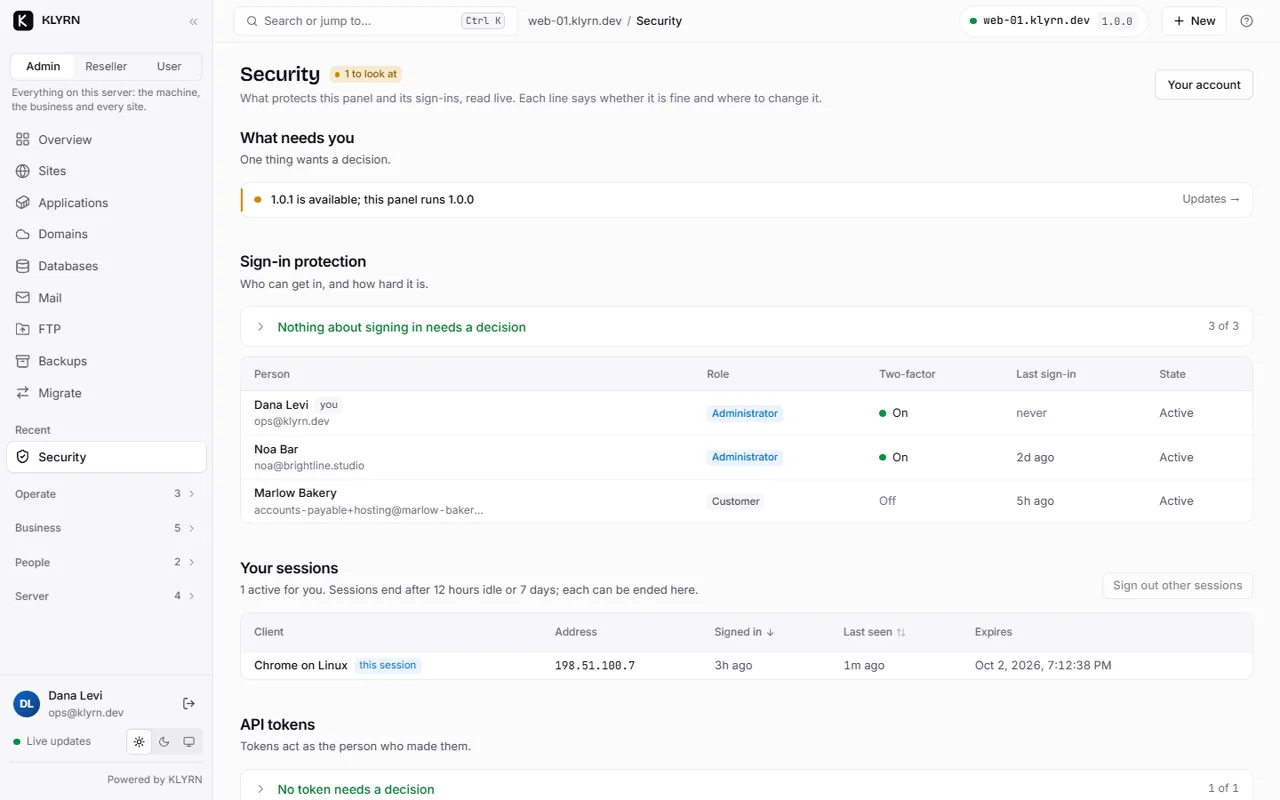
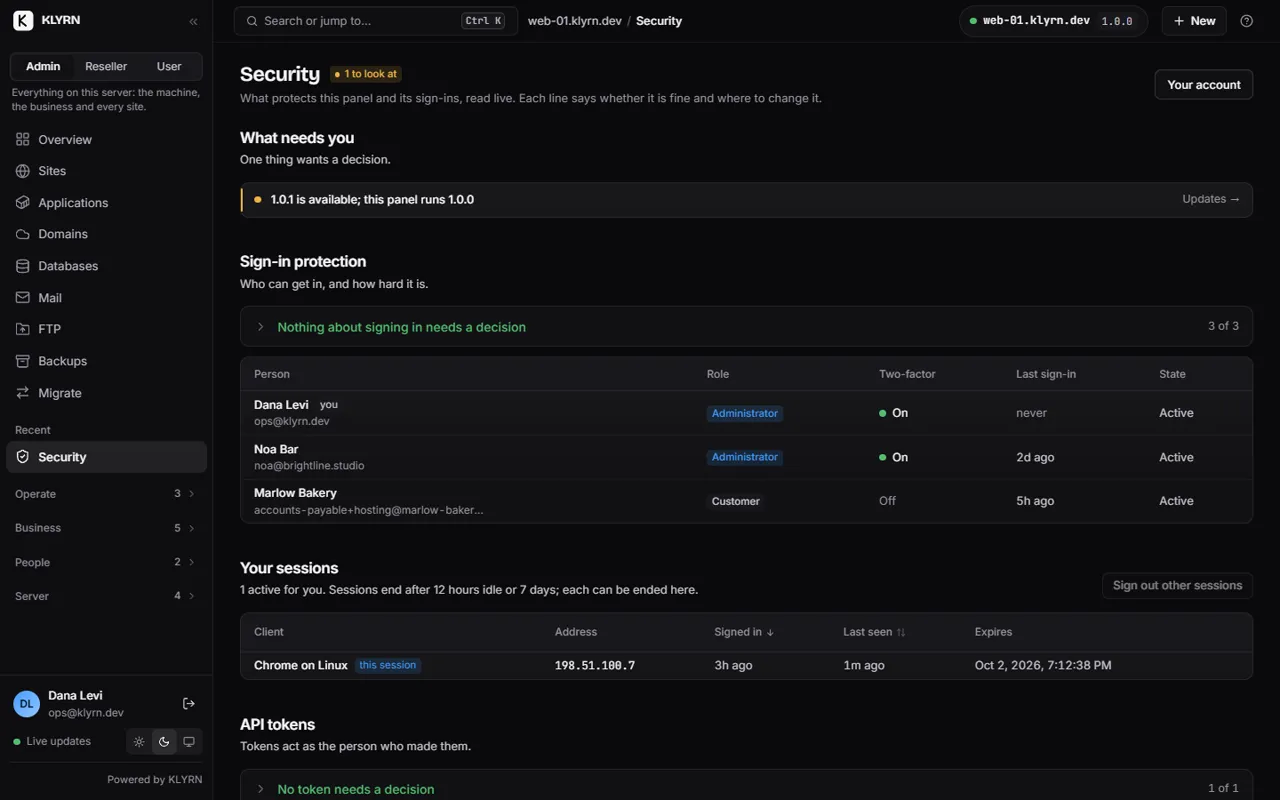
Security
The security model, in plain language.
A hosting control panel is a root process with a web page in front of it. That is the whole problem, and it is where KLYRN's design starts. This page summarises the threat model that is reviewed independently of feature work.
Two processes, one boundary
KLYRN runs as two separate programs from the same binary. klyrn-web faces the internet and runs
as an unprivileged user called klyrn. klyrn-core runs as root and never faces the
internet. They talk over a Unix socket that only root and the klyrn user can open, and core
checks the identity of whoever connects at the operating-system level before reading a byte.
Every request from web to core carries who is asking. Core does not trust that claim: it loads the user and their role from its own database and decides for itself. A compromised web tier can therefore do no more than a signed-in administrator could do through the panel, and every one of those actions is written to the audit log with the actor, address, operation, target and outcome.
- Browser
-
klyrn-web user klyrn · uid 999 · 12 MB idle
Sign-in, sessions, the REST API, live events and the panel's static files. Nothing else.
- become root
- open the database
- execute a program
- use a shell
- make outbound HTTP
- write outside its state directory
- Unix socket, mode 0660 root:klyrn · peer credentials checked by the kernel · the actor is re-authorised against core's own records
-
klyrn-core root · never on the network · 15 MB idle
A closed registry of typed operations: create site, create database, issue certificate, and so on. Each has its own request type, validator, authoriser and audit entry. No operation takes a command string or an unconstrained path.
- nginx · php-fpm · mariadb · systemd · ufw · filesystem
What the web tier cannot do
- It is not root and cannot become root:
NoNewPrivileges, an empty capability set, no setuid helpers anywhere in KLYRN. - It cannot open the database file. Panel state is a root-only SQLite file that only core opens.
- It cannot execute programs and has no shell.
- It cannot read the filesystem beyond its own read-only view:
ProtectSystem=strict,ProtectHome=yes,PrivateTmp. - It cannot make outbound HTTP requests. Everything that talks to the outside world (certificate authority, updates, DNS providers, Git remotes) runs in core against an allow-list, with private, loopback, link-local and cloud-metadata addresses rejected and re-checked after redirects.
- It has a memory ceiling, so a flood cannot take the server's memory with it.
Operations, not commands
Core exposes a closed list of typed operations: create a site, create a database, issue a certificate,
and so on. Each one has a typed request, a validator, an authoriser and an audit entry. There is no
generic operation: no exec, no "read this file", no "write this config text".
When core does run a program it passes an argument list, never a shell string, and the helper refuses
sh and bash outright. A CI check forbids process execution anywhere else in the
code. Domain names are validated against the RFC before they reach nginx; account names are restricted
to a short lowercase pattern with reserved names blocked; every value that lands in a configuration
template passes a whitelist.
Paths supplied by a user are joined to their account's root and resolved with the kernel's
openat2 and RESOLVE_BENEATH, so a symlink planted inside a site cannot point
core at /etc/shadow. Archives are unpacked as the account user, never root, with entries that
escape the root rejected. Custom nginx snippets, for people who need them, are validated with
nginx -t before activation and cannot contain include, load_module,
user, alias or a root outside the site.
Accounts are isolated from each other
A compromised WordPress installation is the normal case, not the exception, so every hosting account is treated as hostile to every other one.
- Each account is its own Unix user and group, with a home directory nobody else can list (mode
0710). nginx reads a site'spublic/directory through an access-control entry, not world-readable permissions, and has no access to anything else in the account. - Each PHP site runs in its own PHP-FPM pool as the account user, confined by
open_basedirto the site, with private temp and session directories and the shell-spawning functions disabled unless an admin turns them on for that site. Verified on the test server: from a second site's pool, a cross-account read fails,/etc/hostnameis unreadable, and the pool's own file is readable. - Each database user is granted access to its one database, from
localhost; remote access is opt-in per user with an IP allow-list enforced by the firewall. - Each Node.js app is a systemd service as the account user with a read-only view of the system, a private
/tmp, and memory, CPU and task limits, listening only on the loopback interface behind nginx. - Cron entries are rendered by KLYRN into
/etc/cron.dwith the account's user, so they run as that user and KLYRN can always regenerate them. - Kernel symlink and hardlink protections are on, which closes the classic shared-
/tmpattacks.
Your sites cannot reach the panel
Site code runs as the account user, which cannot open the core socket or the database. The panel's HTTPS port is reachable from the server, but to a site process it is just another internet client that needs a valid session. There are no default credentials: the setup token is printed once on the console during install, and the setup endpoint is switched off as soon as the first administrator exists.
Signing in
- Passwords are hashed with argon2id. Sign-in attempts are rate-limited per address and per account, and failures return the same generic message either way.
- Sessions are 256-bit random identifiers stored server-side, sent as
Secure,HttpOnly,SameSite=Strictcookies, rotated on sign-in and on privilege change, with a 12-hour idle and 7-day absolute limit. - Every state-changing request must pass three independent cross-site checks: the strict cookie policy, an
Origincheck, and a custom request header that ordinary HTML forms cannot send. A POST without that header is answered with 403; a request without a session with 401. - The panel ships a strict content-security policy with no inline scripts, and refuses to be embedded in other sites.
- TLS 1.2 and newer only, with the panel on its own listener on port 7443, so a broken nginx never takes the panel down with it.
- Two-factor sign-in with TOTP is planned for V1.5 and is not in V1.
Updates and supply chain
A compromised update channel would mean root on every server, so releases are signed with ed25519 and the public key is built into the binary. The update engine fetches a manifest, verifies its signature, checks the download's SHA-256, snapshots the panel's state, swaps a symlink and restarts. If the post-checks fail, it swaps back, restores the snapshot and reports. Downgrades are refused unless explicitly requested.
Node.js runtimes are verified against the official checksums from nodejs.org. WP-CLI is pinned by sha512. The PHP repository's signing key fingerprint is pinned in the installer. The Go dependency set is kept deliberately small and reviewed on every bump.
Secrets and backups
Application secrets (database passwords, environment variables, provider tokens) are generated from the kernel's random source and stored encrypted with XChaCha20-Poly1305 under a per-install key that only root can read. They are typed so that they cannot be logged by accident and are redacted from diagnostics bundles. Revealing a stored credential in the panel is recorded in the audit log. This protects backups and exports from leaking credentials; it does not protect against root, and is not meant to.
Local backups are stored root-only with a SHA-256 manifest per file. A restore verifies the checksums, unpacks into a staging directory, and only then swaps it into place. Backups are the current milestone and have not shipped. Remote backups, planned for V1.5, are encrypted on the server before they leave it.
What is not covered yet
Stated so you can plan around it rather than discover it.
- A malicious root operator. Someone with a root shell on the server can do anything; KLYRN does not try to hide anything from root.
- Outbound traffic from hosted sites. V1 does not filter what a site can connect to. A compromised site is contained to its account but can still send traffic out.
- Kernel-level isolation between accounts. Isolation is by Unix users, permissions and systemd sandboxing, not containers or gVisor. A container runtime for apps is on the V2 list.
- DDoS mitigation. Rate limiting protects sign-in; it does not absorb a volumetric attack.
- Disk quotas. Planned for V1.5; in V1 an account can fill the disk, and the health engine will tell you.
Reporting a problem
A coordinated-disclosure address and policy will be published with the first release. Until then, KLYRN is pre-release software that runs on our own development servers, and the model above is the standard the code is held to. Any change to one of these boundaries requires a written decision record before it is made.