Meet Horizon
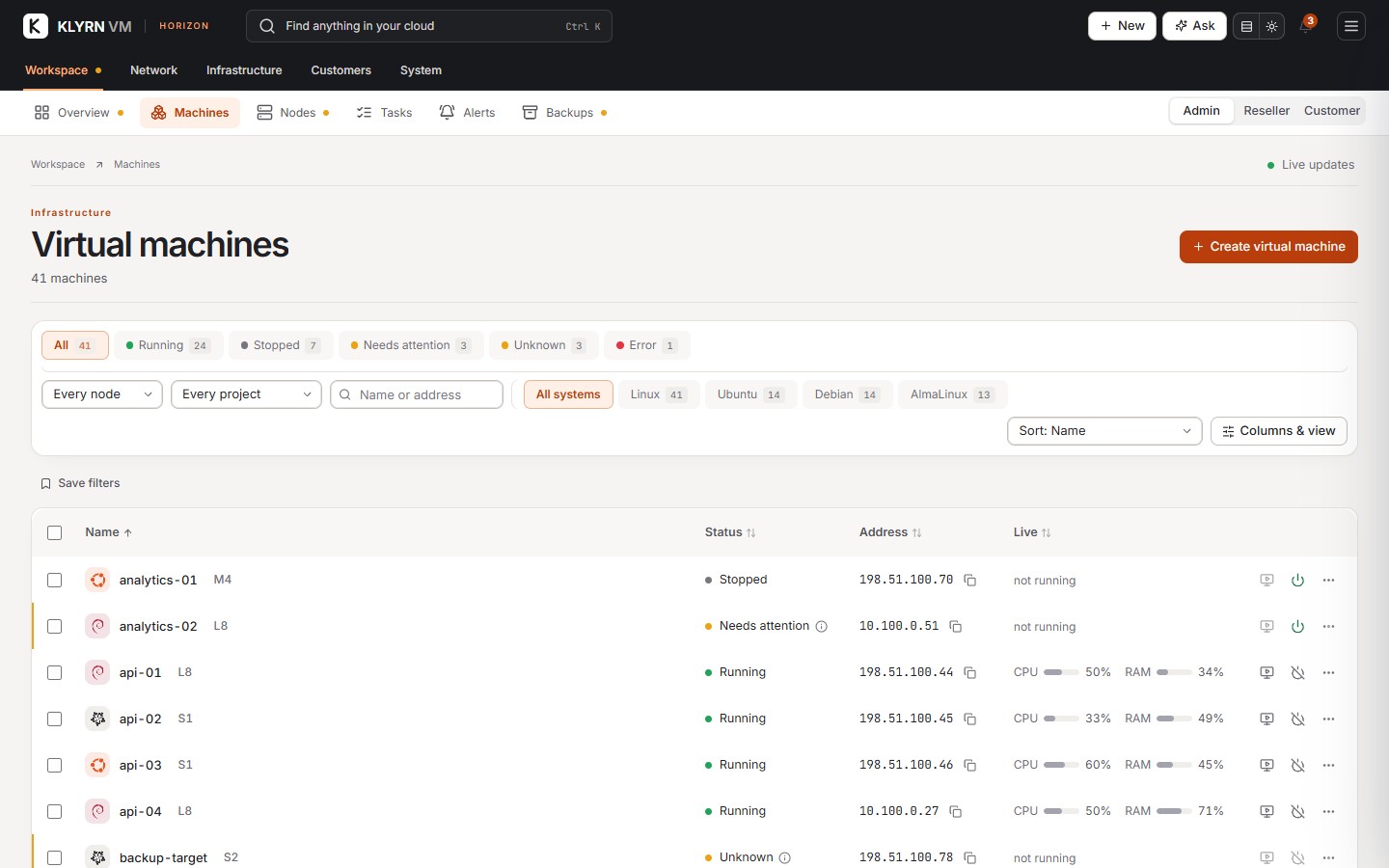
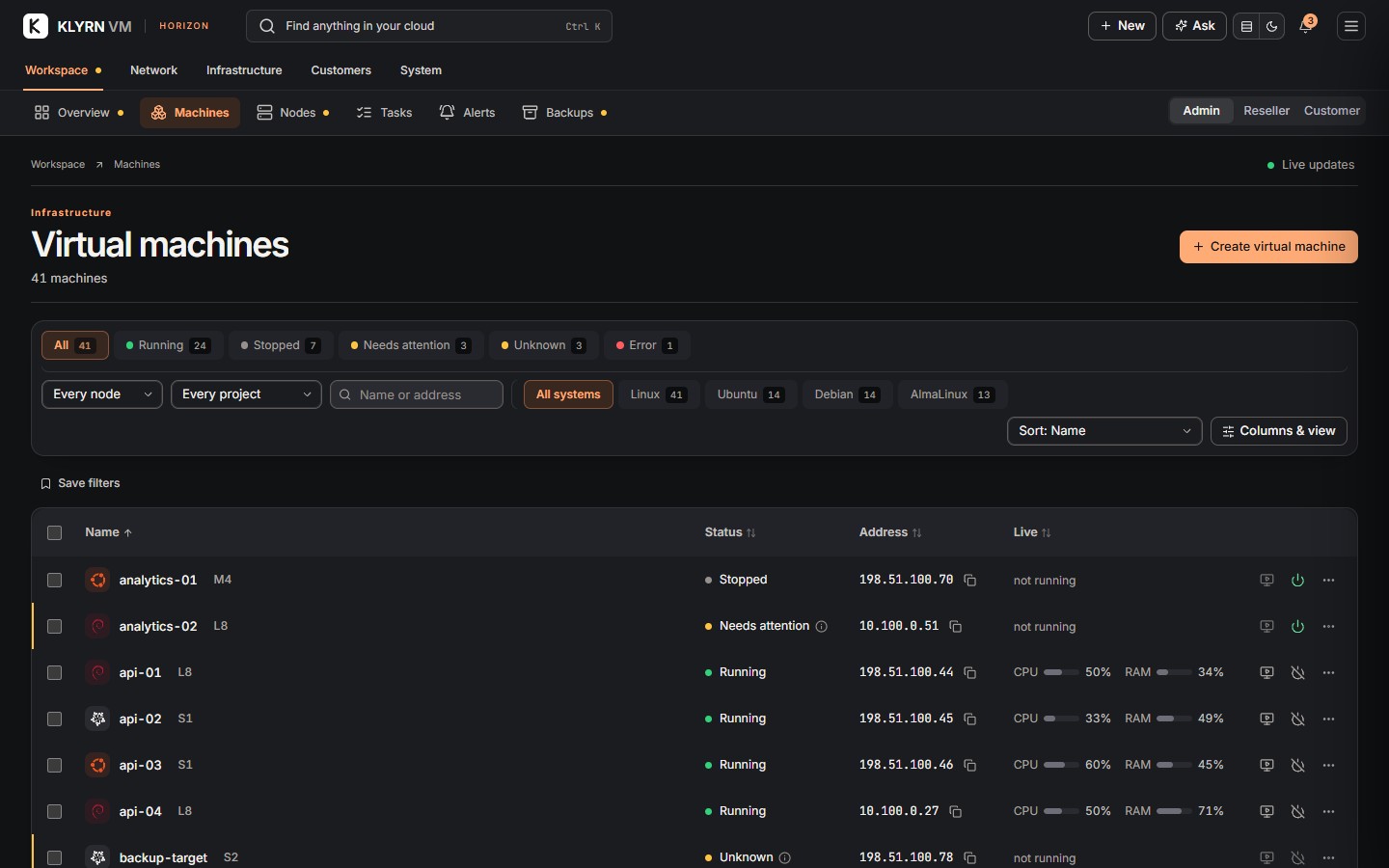
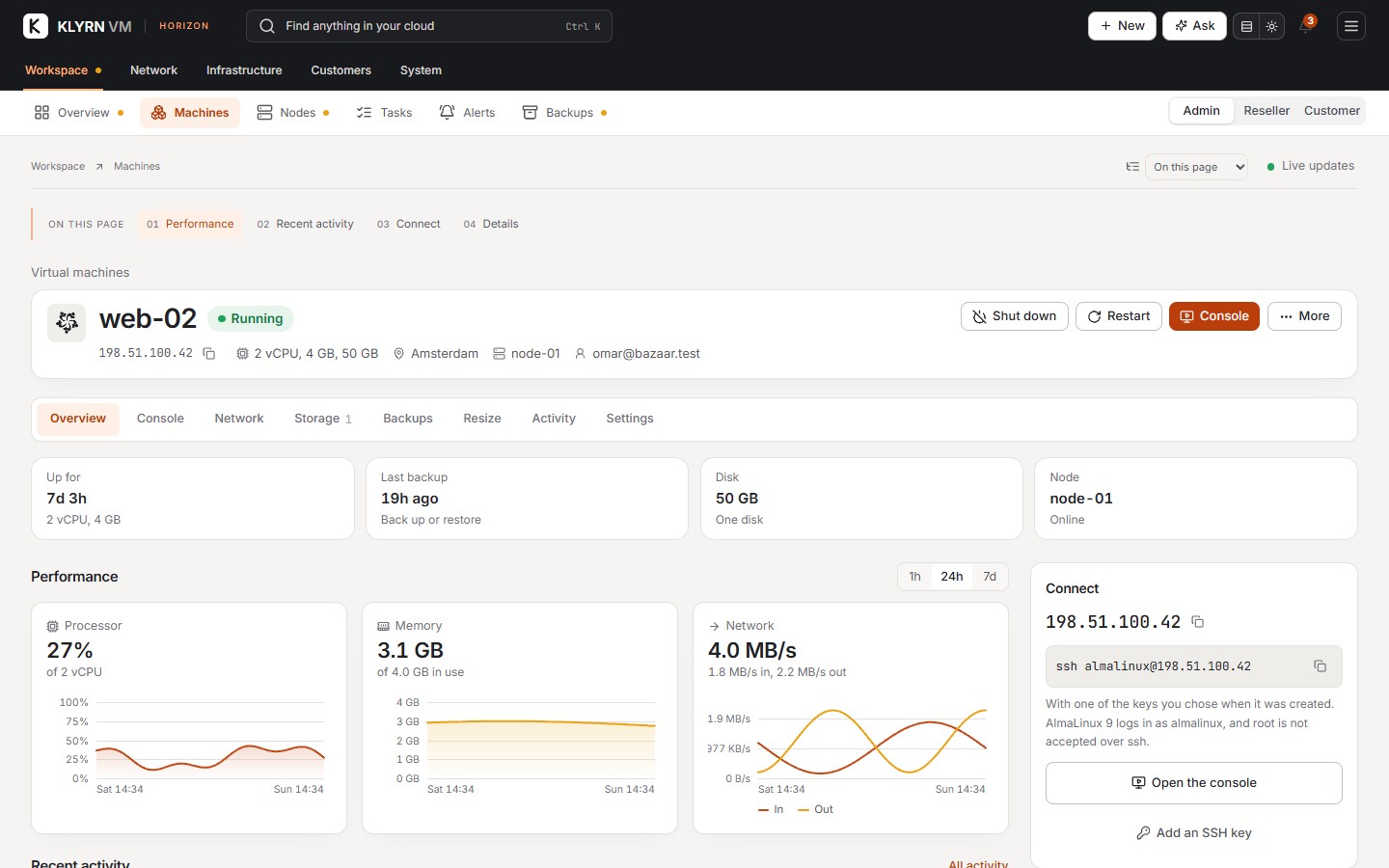
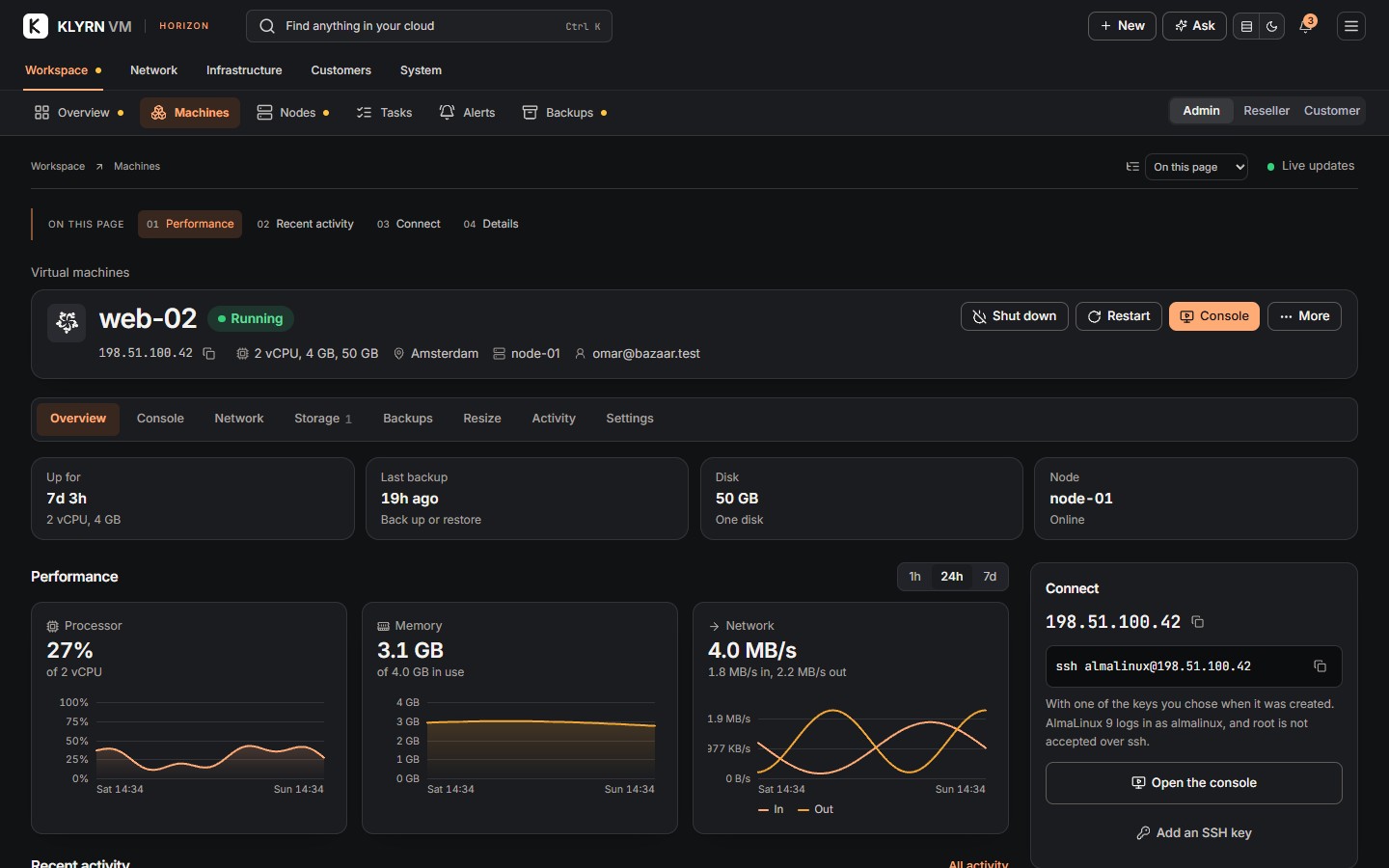
A clearer view of your infrastructure. Copper accents sit against crisp white or deep charcoal surfaces. Page summaries, forms, tables and filters share the same visual hierarchy. Choose Comfortable or Compact under Your workspace to set the spacing of tables, panels and page summaries. Your preference is saved in this browser. A numbered page index takes you straight to the controls you need. Section navigation stays within reach as you scroll, and the same actions remain available in either density.
White, charcoal and orange. Horizon brings compact controls, clearer tables, saved machine filters, searchable networks and settings with their own navigation. On a phone, expand Filters & view when you need more options. On longer pages, use On this page to jump directly to a section. The compact layout icon switches between Horizon and Classic without losing an unfinished form. Both layouts support light, dark and system colors, across administrator, reseller and customer pages.